

Workplace communications
Accessible Digital Signage: Beyond WCAG Compliance to Real-World Use
Public-facing screens must meet accessibility standards, but real-world factors like glare and user behaviour often break compliance.
4 min read
Self-hosted · Deployed and supported by people, not a ticket queue
Blog
5 pieces on this, newest first.
Keeping every employee informed and aligned matters when teams are spread across sites or working remotely. This section looks at how digital signage can replace scattered emails, static noticeboards and clunky intranets with messages that actually reach people. You’ll find practical guides on structuring content, scheduling updates and measuring whether staff are seeing and acting on the information. If you’re asking how to cut the noise in workplace communications without adding another tool, this is where to start.
Public-facing screens must meet accessibility standards, but real-world factors like glare and user behaviour often break compliance.
4 min read
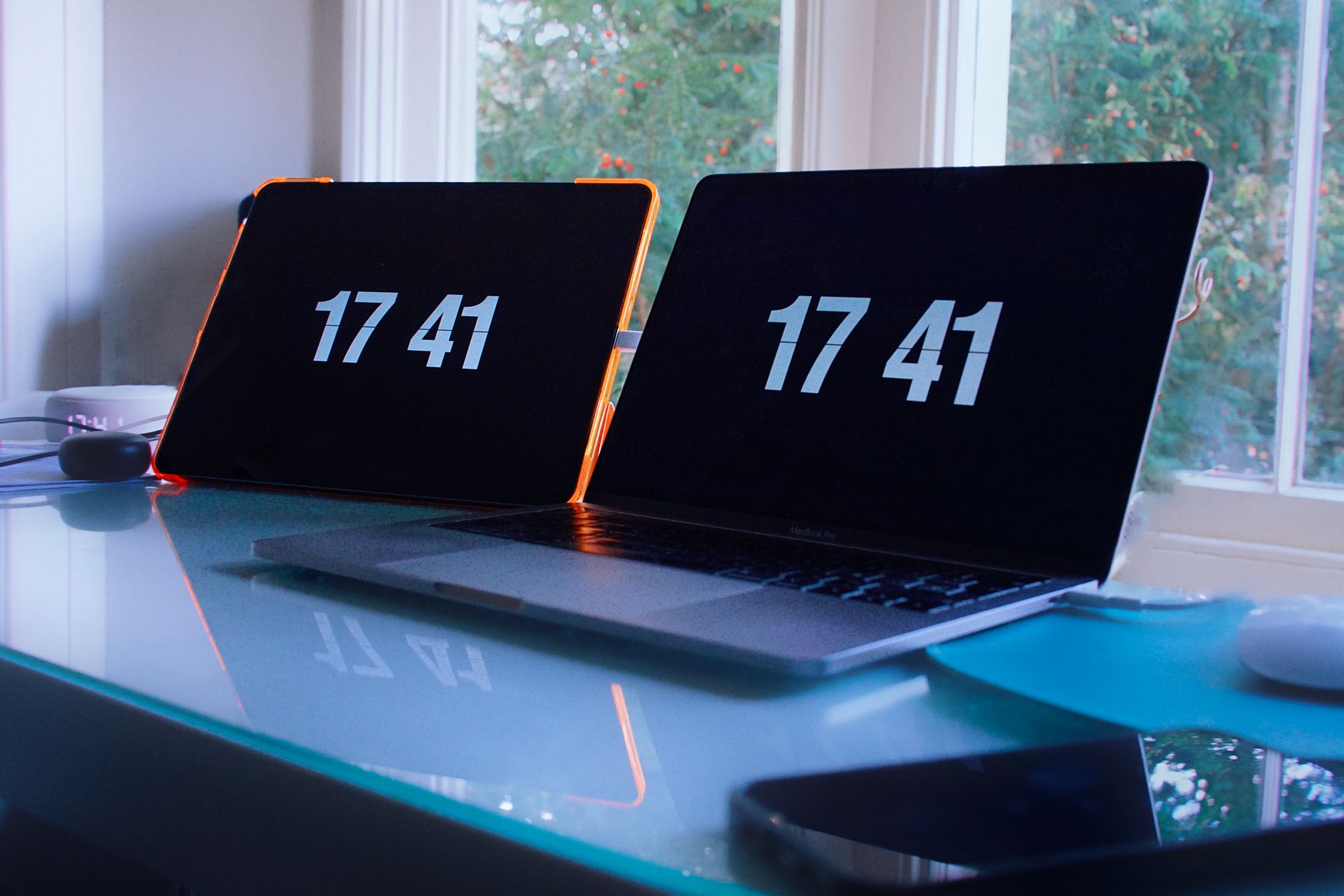
Discover how to eliminate manual clock-watching while keeping digital signage content perfectly timed and relevant.
14 min read

Hybrid offices need smarter reception screens to manage empty desks, bookings and visitor flows without costly guesswork.
13 min read

Three UK schools locked down last week after armed police responded to reports of a man with a weapon. The incident highlights why educational sites need instant, reliable messaging across every screen, without stretching budgets built for zero new hardware.
7 min read
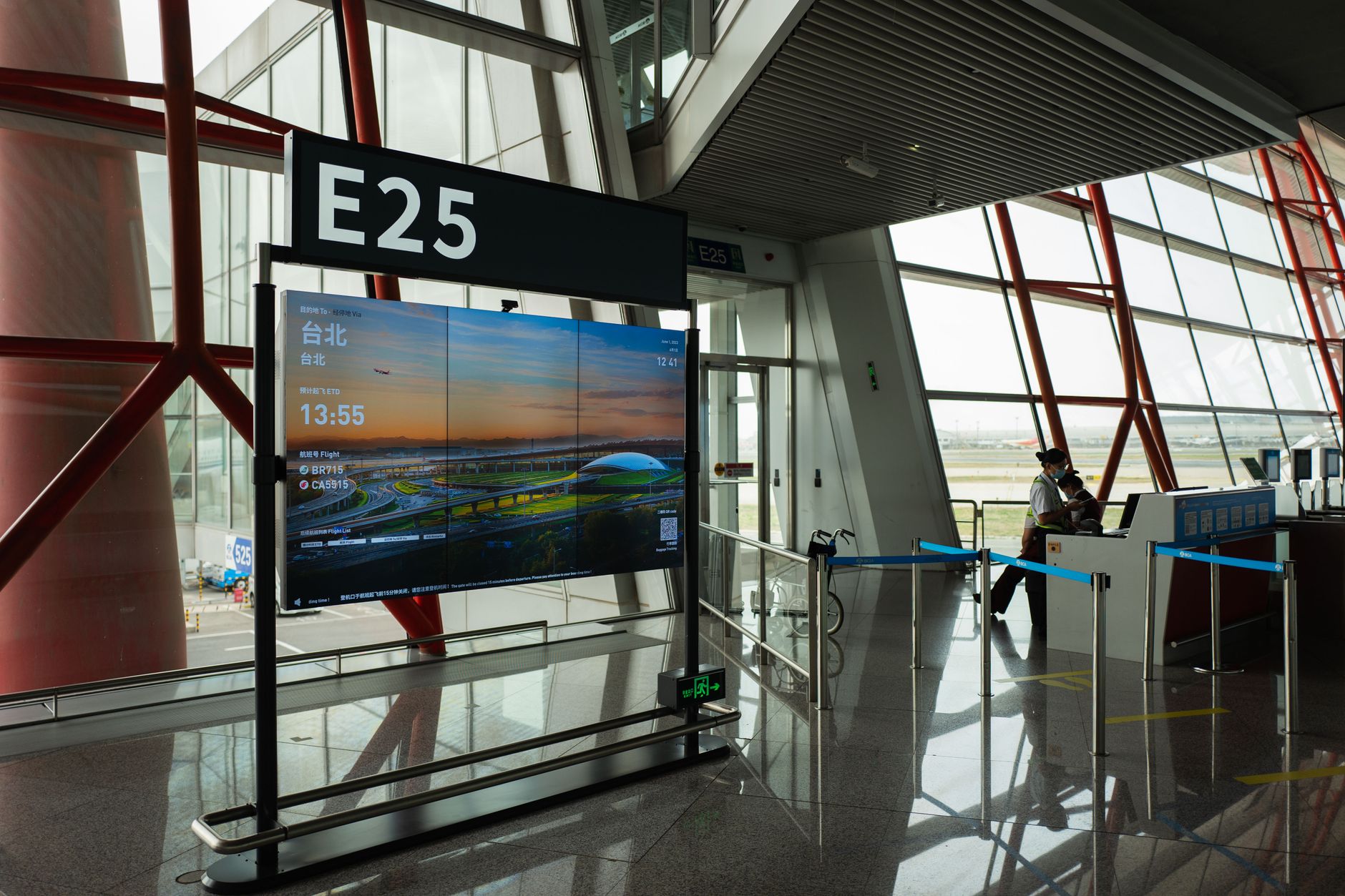
A pensions warning highlights how little email reaches staff outside the office. Screens in corridors, canteens and loading bays deliver messages that inboxes miss.
5 min read
We will set up a live system with your own login, and walk you through anything you want to see.
No open demo, no sign-up wall, a person reads every request.