
Hospitals & clinics
Calm information, and a channel that outranks it
Waiting-room information and department wayfinding, with an alerting layer that takes precedence when it has to.
A waiting room is a captive audience in a bad mood, and two things improve it: knowing roughly how long the wait is, and something to look at that is not a wall. Both are easy, and almost nobody does them — the corner screen still runs whatever was loaded at install.
The harder requirement in healthcare is not the content, it is where the system lives. Patient-adjacent data cannot go to somebody else’s cloud, and an IT department that is answerable for that will refuse anything that calls home — reasonably.
Signvero runs on your own servers with your own database and no outbound connection. On top of that it has a priority model with teeth: four levels, with an emergency that does not wait behind a playlist, because in a hospital the difference between "shown next" and "shown now" is the whole point.
What usually goes wrong
The starting point
- Waiting rooms need calm, current information without a person maintaining it
- An emergency message must not wait behind a playlist
- Patient data cannot go to somebody else’s cloud
On your own servers
Nothing leaves the building. No third-party cloud, no external account, and a database you can open with a standard client.
Priority that means something
Four levels, with defined rules for what interrupts what, so an emergency is shown now rather than next.
Screens that report in
A dark screen in a waiting room is visible in the panel, not discovered by a patient.
In practice
What goes on the screens
Six things this trade puts up, rather than six things a signage brochure says you could.
Queue and token calls
The number now being seen, and the room to go to, announced out loud as well as shown.
Expected waiting times
A figure reception can change in seconds, which halves the number of people who come to ask.
Department wayfinding
Which floor, which corridor, which colour to follow — on the screen at the junction where people hesitate.
Health and seasonal messaging
Vaccination drives, hand hygiene, visiting hours, rotated so they are still read.
Clinic and consultant schedules
Who is in today and in which room, updated from the panel each morning.
Code and evacuation alerts
Full-screen on every screen at once, at a priority nothing else can outrank.
On the wall
What this looks like in a hospital
Two of the boards this trade runs. Both are built from a template in the panel, so the third one looks like the first and a price changed in one place is changed everywhere.
Placement
Where the screens go
The question every first conversation reaches within ten minutes. In the order most places buy them — and the first one is usually enough to start.
- 01The waiting room, for the queue and the wait
- 02Reception, for clinics and consultants today
- 03Corridor junctions, for wayfinding
- 04The ward entrance, for visiting hours
The moment that matters
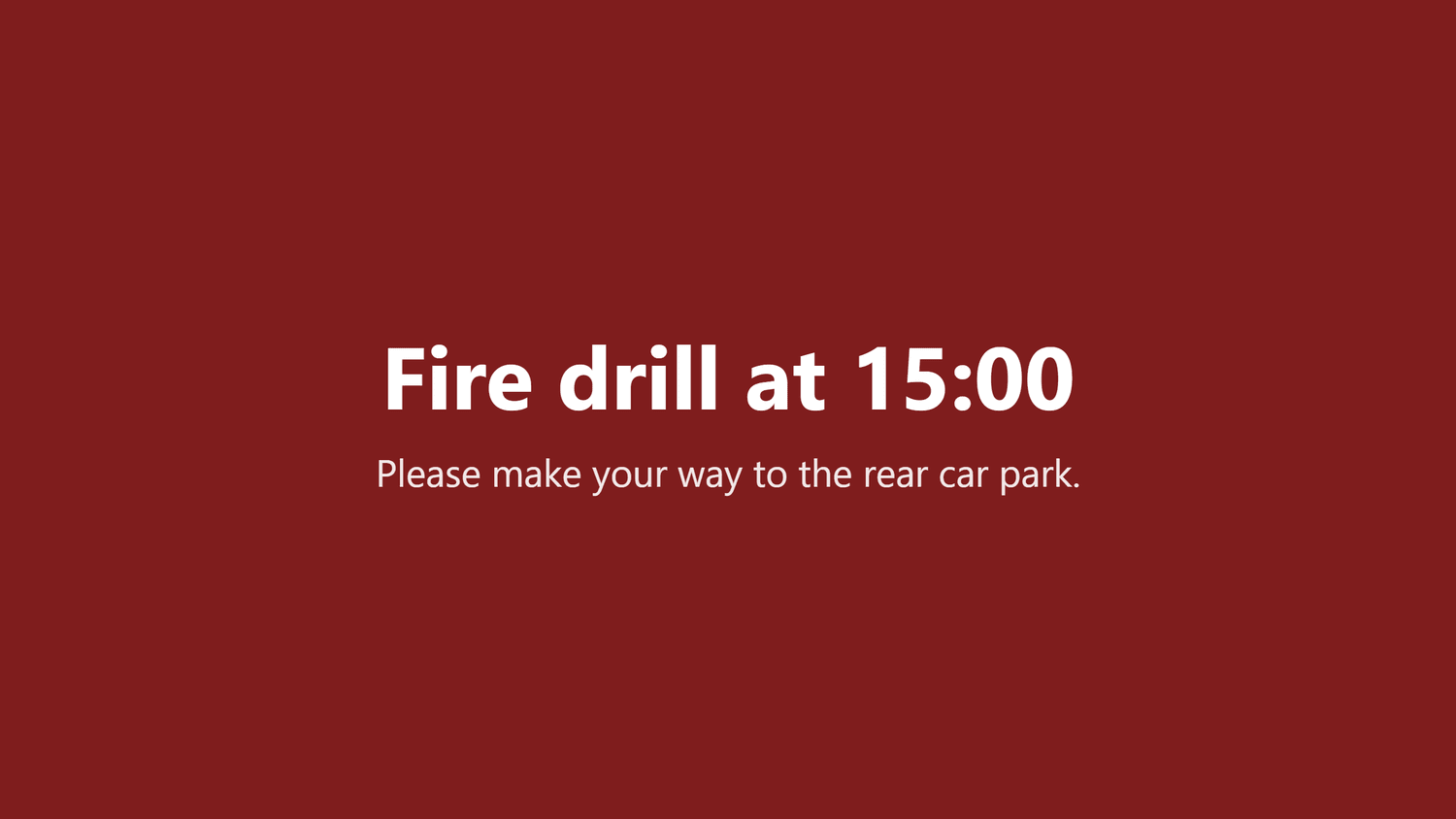
One alert, every screen, in seconds
Everything else on this page is the ordinary day. This is the reason people actually buy it.
Take it with you
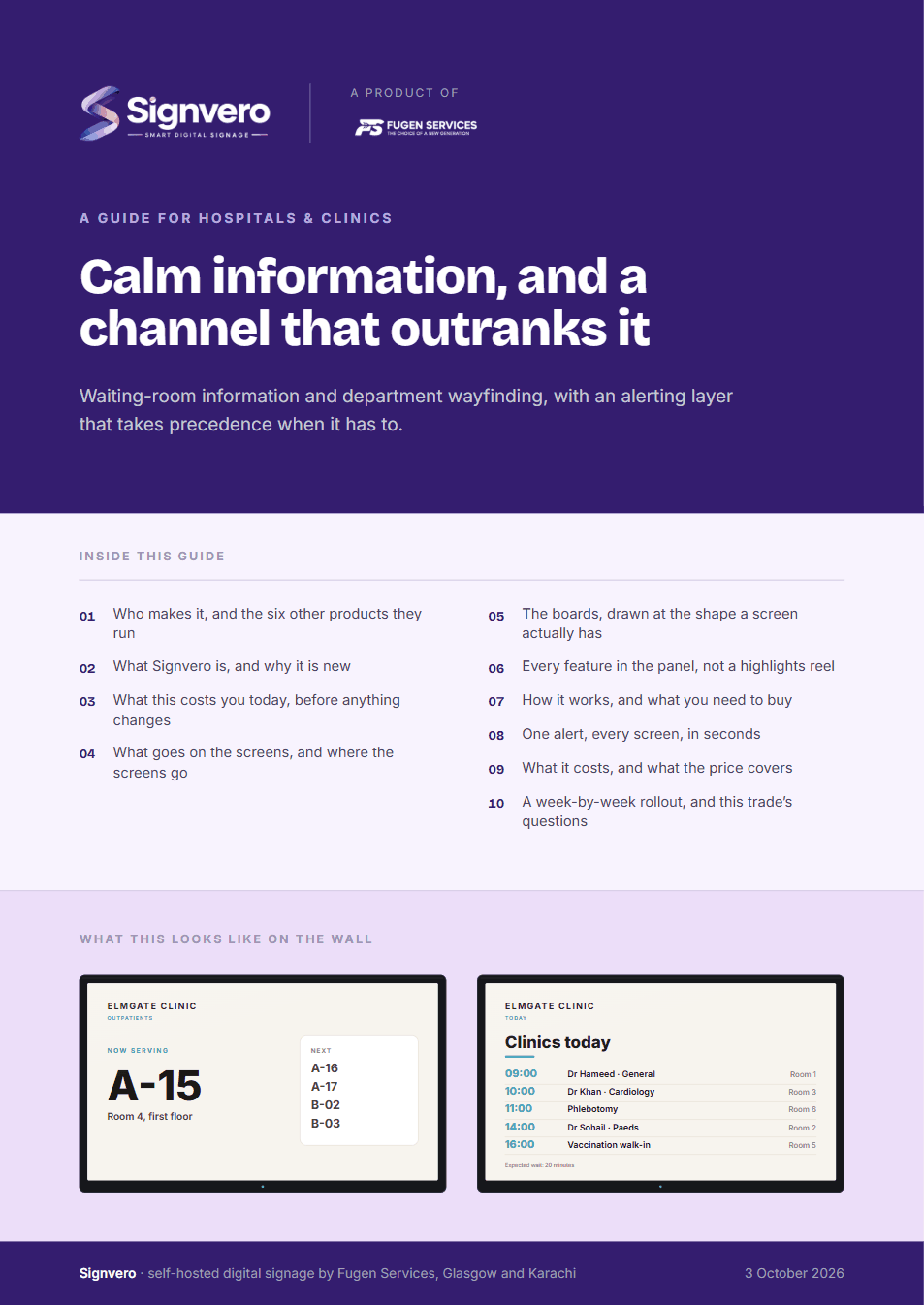
A guide for hospitals & clinics
17 pages: who builds it, what it does in this trade, mock-ups of the boards and of the panel itself, every feature rather than a highlights reel, what it runs on, and what it costs — priced in your own currency, with every band on one page. Written for the person who has to say yes.
PDF · 17 pages · A4
Before you ask
Questions from this trade
- Can this run entirely inside our network?
- Yes, and for most clinical sites it should. It installs on your own server, keeps its data in your own database, and makes no outbound connection of any kind.
- Is there a queue or token-calling feature?
- Yes. Numbers can be called to a screen with a spoken announcement, which is the arrangement most outpatient departments want.
- Who is allowed to send an emergency message?
- Only the roles you give that permission to, and every alert is written to an audit trail with the name of the person who sent it and the time.
- What about screens in areas with no network point?
- A player will work over Wi-Fi and will keep playing through an outage, so a weak corner of the building is a delay in updates rather than a blank screen.
Other settings
Where else this is used
Restaurants & cafés
Digital menu boards that change in seconds
Retail stores
Offers and pricing across every branch from one panel
Hotels & guest houses
Lobby, lifts, conference boards and wayfinding
Offices
Reception, meeting rooms, company news, fire drills
Factories & warehouses
Safety notices and shift boards that survive the network
Schools & universities
Campus notices, timetables and lockdown messaging
Government & public sector
On-premise, auditable, and nothing leaves the building
Gyms & fitness studios
Class timetables, inductions and the screens by the weights
Salons & spas
Price lists, treatment menus and the wait at the chair
Pharmacies
Counter queues, health advice and the shelf behind you
Banks & finance
Branch queues, rates and compliance notices
Car showrooms
Stock on the floor, finance examples and the handover wall
Estate agents
A window of listings that changes itself
Supermarkets
Aisle ends, fresh counters and the queue at the till
Mosques & places of worship
Prayer times, announcements and appeals
See it running on your own screens
We will set up a live system with your own login, and walk you through anything you want to see.
No open demo, no sign-up wall, a person reads every request.