
Offices
The building already has the screens
Reception loops, meeting-room boards and company news, plus a fire-drill alert that reaches all of them at once.
Most offices already own the screens. There is one in reception showing a slideshow somebody made in 2019, one outside each meeting room showing nothing, and a television in the break room permanently on a news channel with the sound off. The hardware is not the gap; the gap is that changing any of it means walking round with a USB stick.
That is also why internal communications end up in email. A notice that has to reach everybody goes to everybody’s inbox, where it competes with four hundred other things, and the people who most need to see it — the ones not at a desk — do not see it at all.
Signvero puts one web page in front of whoever owns internal comms, and it reaches every screen in the building. The thing that justifies it to a facilities manager, though, is usually the fire drill: one button, every screen, full-screen, in seconds.
What usually goes wrong
The starting point
- Content is changed by walking round with a USB stick
- Nobody knows which screens are actually still working
- A fire drill is announced by email and half the floor misses it
One panel for every floor
Group screens by floor or department and assign content per group, from a browser.
Reception looks after itself
A schedule puts the welcome loop up at eight and the news loop at ten, every day, on its own.
Drills that people actually see
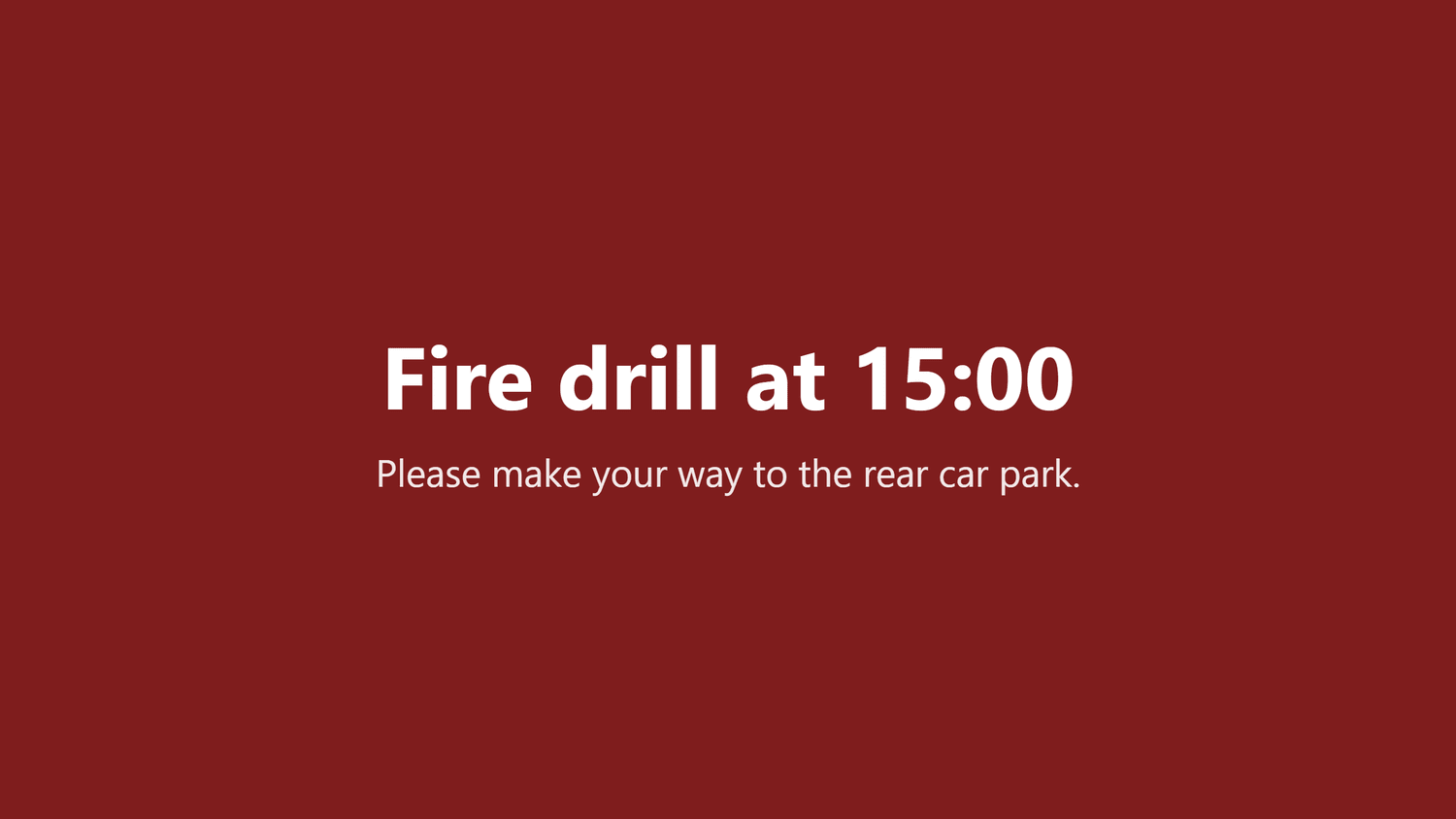
An emergency alert takes every screen in the building in seconds, over whatever was playing.
In practice
What goes on the screens
Six things this trade puts up, rather than six things a signage brochure says you could.
Reception welcome
Your branding, today’s visitors if you want them named, and the Wi-Fi guests always ask for.
Meeting-room boards
What is booked, when it ends, and whether the room is free right now.
Company news and announcements
The notice that would otherwise be an email nobody opened.
Live dashboards
A sales or support board on the wall, pulled in as a web page the screen refreshes on its own.
New starters and birthdays
Small, but the thing people actually stop and read.
Fire drills and evacuations
One button, every screen, full-screen, held until it is cleared.
On the wall
What this looks like in a office
Two of the boards this trade runs. Both are built from a template in the panel, so the third one looks like the first and a price changed in one place is changed everywhere.
Placement
Where the screens go
The question every first conversation reaches within ten minutes. In the order most places buy them — and the first one is usually enough to start.
- 01Reception, for visitors and the Wi-Fi code
- 02Outside each meeting room
- 03The break room or canteen, where people actually stop
- 04The floor itself, for dashboards and announcements
The moment that matters
One alert, every screen, in seconds
Everything else on this page is the ordinary day. This is the reason people actually buy it.
Take it with you
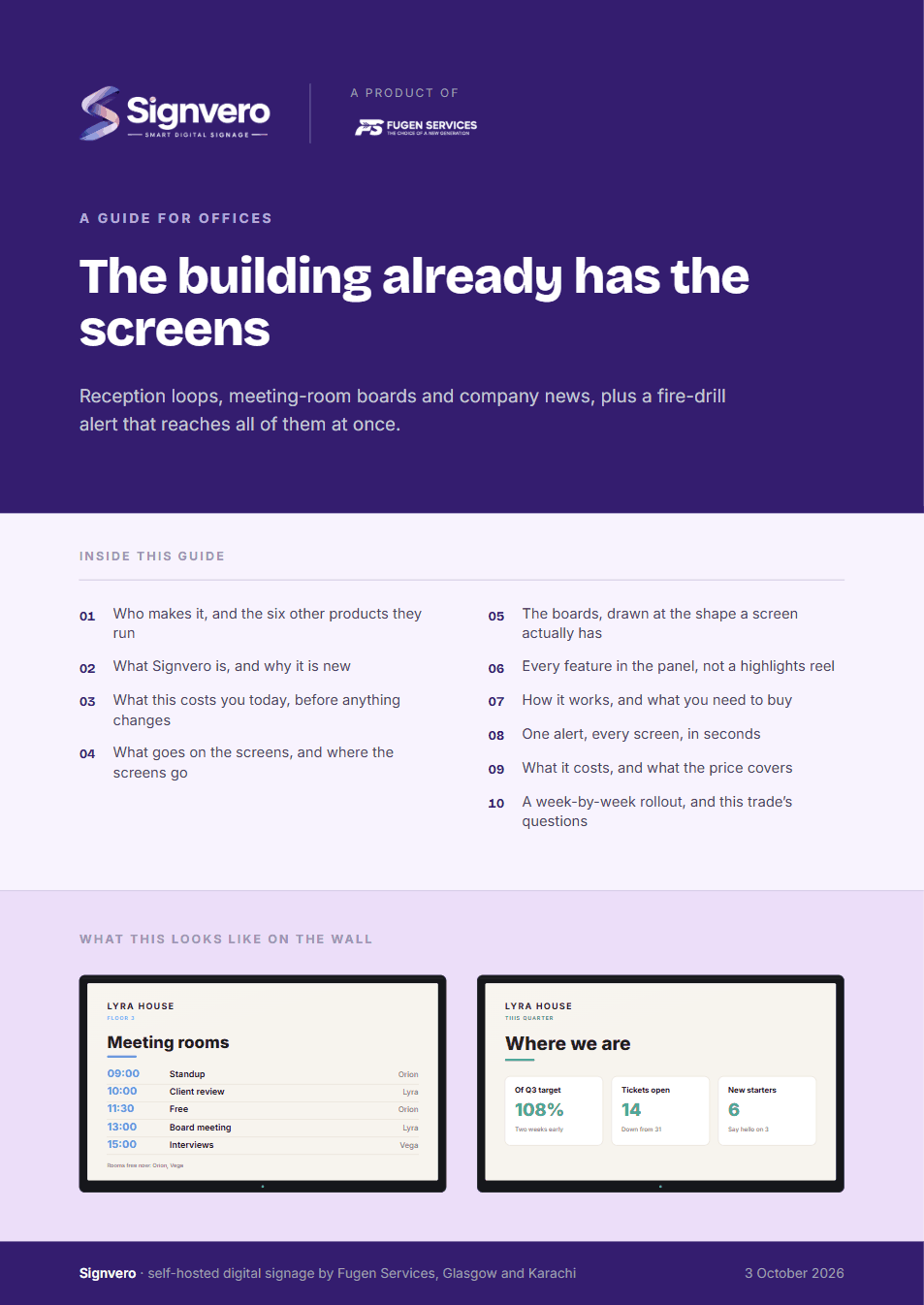
A guide for offices
17 pages: who builds it, what it does in this trade, mock-ups of the boards and of the panel itself, every feature rather than a highlights reel, what it runs on, and what it costs — priced in your own currency, with every band on one page. Written for the person who has to say yes.
PDF · 17 pages · A4
Before you ask
Questions from this trade
- Does this need anything installed on staff computers?
- No. The panel is a web page and the players are the boxes behind the screens. Nothing goes on anybody’s laptop.
- Can we show a live dashboard from another system?
- Yes. A screen can show a web page and refresh it on a schedule, which covers most internal dashboards without an integration.
- Can our IT team host it themselves?
- Yes, and many do. It runs on a server in your own rack with no outbound connection, which is usually the condition IT attaches to approving it.
- What stops someone publishing to the whole building by mistake?
- Roles. A content manager publishes to the groups they are given and nothing else, and every change is recorded with a name and a time.
Other settings
Where else this is used
Restaurants & cafés
Digital menu boards that change in seconds
Retail stores
Offers and pricing across every branch from one panel
Hotels & guest houses
Lobby, lifts, conference boards and wayfinding
Factories & warehouses
Safety notices and shift boards that survive the network
Hospitals & clinics
Waiting rooms, wayfinding, and a channel that outranks everything
Schools & universities
Campus notices, timetables and lockdown messaging
Government & public sector
On-premise, auditable, and nothing leaves the building
Gyms & fitness studios
Class timetables, inductions and the screens by the weights
Salons & spas
Price lists, treatment menus and the wait at the chair
Pharmacies
Counter queues, health advice and the shelf behind you
Banks & finance
Branch queues, rates and compliance notices
Car showrooms
Stock on the floor, finance examples and the handover wall
Estate agents
A window of listings that changes itself
Supermarkets
Aisle ends, fresh counters and the queue at the till
Mosques & places of worship
Prayer times, announcements and appeals
See it running on your own screens
We will set up a live system with your own login, and walk you through anything you want to see.
No open demo, no sign-up wall, a person reads every request.