
Factories & warehouses
Safety notices that do not depend on the office Wi-Fi
Shift boards, line status and safety messaging on screens that keep working when the network does not.
Wi-Fi on a production floor is unreliable and always will be. Steel, machinery and distance see to that, and no amount of money spent on access points changes the fact that a signage system which stops when the network does is a signage system that is dark exactly when the floor is busiest.
The second truth about a factory is that the safety information is printed and laminated, which means it is also out of date. The incident counter is a whiteboard somebody is meant to update. The shift board is a sheet of A4 in a plastic pocket by the door.
Signvero stores everything on the player. A screen plays its loop through an outage and catches up afterwards, so the board by the line is right whether or not the office network is having a good day — and an incident message can take every screen on the floor faster than a supervisor can walk it.
What usually goes wrong
The starting point
- Wi-Fi on the production floor is unreliable and always will be
- Safety notices are printed, laminated, and out of date
- An incident needs to reach the floor faster than a supervisor can walk it
Runs from local storage
A screen plays its loop through an outage and catches up afterwards. A dropped network is not a dark board.
Days since last incident, live
A designed card, updated from the panel, on every screen at once — not a whiteboard somebody forgot.
An emergency channel
Highest priority interrupts everything, including a screen part way through a video.
In practice
What goes on the screens
Six things this trade puts up, rather than six things a signage brochure says you could.
Shift and line boards
Who is on, which line, and what today’s target is, on a screen at the door people walk past anyway.
Days since last incident
Large, current, and changed from the panel instead of a marker pen.
Output and OEE dashboards
A web page from your own system, refreshed on the screen without anybody logging in.
Safety and PPE reminders
Rotated so they are still read in month six, which a laminated poster never is.
Toolbox talks and training notices
Short clips or cards, scheduled around the shift change when people are actually looking.
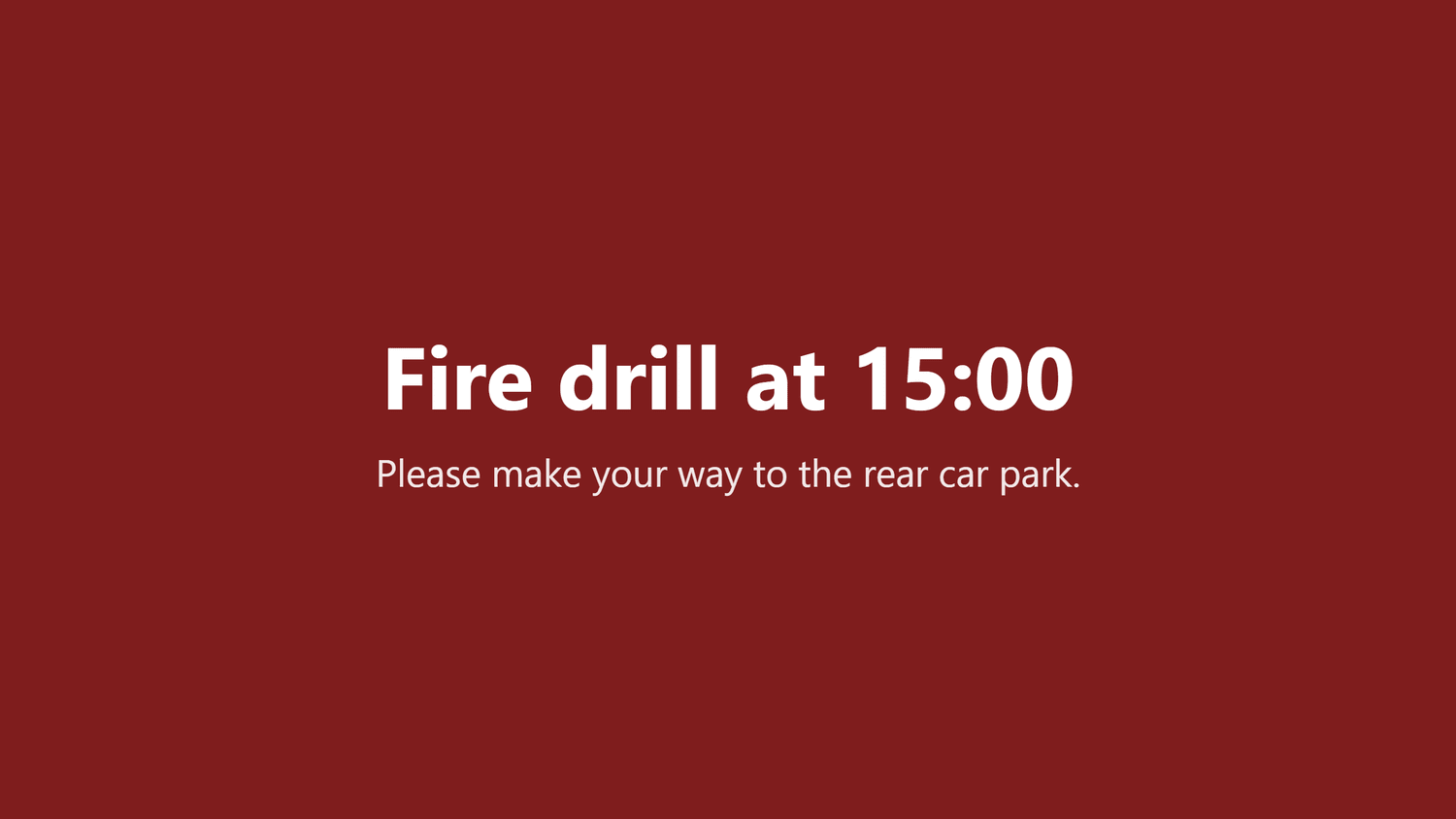
Incident and evacuation alerts
Full-screen on every screen at once, including the ones mid-video.
On the wall
What this looks like in a factorie
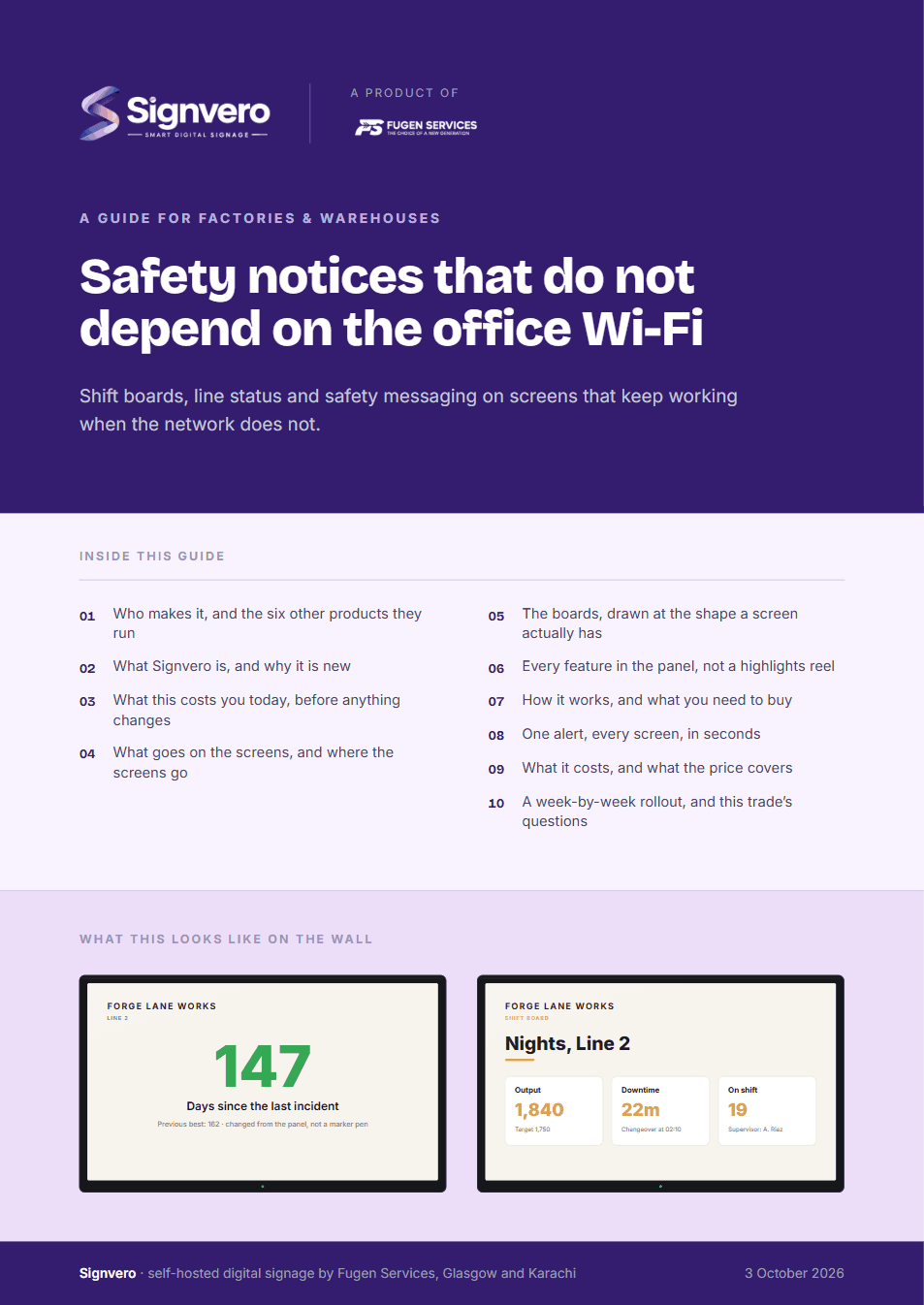
Two of the boards this trade runs. Both are built from a template in the panel, so the third one looks like the first and a price changed in one place is changed everywhere.
Placement
Where the screens go
The question every first conversation reaches within ten minutes. In the order most places buy them — and the first one is usually enough to start.
- 01The entrance to the floor, for the shift board
- 02Each line, for output and changeover
- 03The canteen, for notices that are not urgent
- 04The gatehouse, for contractors and visitors
The moment that matters
One alert, every screen, in seconds
Everything else on this page is the ordinary day. This is the reason people actually buy it.
Take it with you
A guide for factories & warehouses
17 pages: who builds it, what it does in this trade, mock-ups of the boards and of the panel itself, every feature rather than a highlights reel, what it runs on, and what it costs — priced in your own currency, with every band on one page. Written for the person who has to say yes.
PDF · 17 pages · A4
Before you ask
Questions from this trade
- What happens to the screens when the network drops?
- They keep playing. Every player holds its own copy of the media, so an outage changes nothing on the wall; the screen simply picks up whatever is new once it can reach the server again.
- Can it run with no internet at all?
- Yes. On a server inside your own network it never needs an outbound connection, which is the usual arrangement on a site where the production network is isolated.
- Can we pull numbers from our MES or ERP?
- A screen can display a web page from your own system and refresh it on a schedule. Anything beyond that goes through the API.
- Will an alert interrupt a screen that is showing a video?
- Yes. Emergency is the highest of four priorities and it takes the whole screen immediately, whatever was playing.
Other settings
Where else this is used
Restaurants & cafés
Digital menu boards that change in seconds
Retail stores
Offers and pricing across every branch from one panel
Hotels & guest houses
Lobby, lifts, conference boards and wayfinding
Offices
Reception, meeting rooms, company news, fire drills
Hospitals & clinics
Waiting rooms, wayfinding, and a channel that outranks everything
Schools & universities
Campus notices, timetables and lockdown messaging
Government & public sector
On-premise, auditable, and nothing leaves the building
Gyms & fitness studios
Class timetables, inductions and the screens by the weights
Salons & spas
Price lists, treatment menus and the wait at the chair
Pharmacies
Counter queues, health advice and the shelf behind you
Banks & finance
Branch queues, rates and compliance notices
Car showrooms
Stock on the floor, finance examples and the handover wall
Estate agents
A window of listings that changes itself
Supermarkets
Aisle ends, fresh counters and the queue at the till
Mosques & places of worship
Prayer times, announcements and appeals
See it running on your own screens
We will set up a live system with your own login, and walk you through anything you want to see.
No open demo, no sign-up wall, a person reads every request.