
Restaurants & cafés
Change the menu from your phone, on every screen at once
Digital menu boards, specials and lunch deals on the televisions above your counter, updated in seconds and scheduled by the clock.
A printed menu is a decision you cannot take back. Prices move, suppliers change, and a board printed in March is wrong by June — so the choice becomes living with it or paying to print it again, and most kitchens live with it, which quietly costs more than the printing did.
The same is true of everything around the menu. A deal that should have started on Monday starts on Wednesday because somebody had to get the poster made. A dish sells out at eight and is still advertised above the counter at nine, so a waiter apologises for it eleven times. A second branch opens and now there are two versions of the same menu, neither of which is quite right.
Signvero puts those boards on screens you already own and gives one person a web page to change them from. The player behind each television keeps its own copy of everything, so a dropped connection at lunch is a board that carries on rather than a black rectangle above the till.
What usually goes wrong
The starting point
- A price changes and the printed board is wrong until somebody pays to reprint it
- A dish sells out at eight and is still being advertised at nine
- The second branch is running last season’s menu and nobody noticed
One tap takes a dish down
Hide a sold-out item from your phone and it is gone from every screen in seconds. Put it back in the morning the same way.
Breakfast until eleven, lunch after
Set the hours once. The boards change themselves every day, in every branch, with nobody touching a screen.
Branches that agree with each other
Publish to one site, a city, or all of them, and see per screen whether it arrived.
In practice
What goes on the screens
Six things this trade puts up, rather than six things a signage brochure says you could.
The main menu
Sections, prices and photographs across as many boards as the counter needs, built from one template so the third looks like the first.
Tonight’s specials
A board with its own hours — on at six, off at close, set a week ahead if the kitchen already knows.
The lunch deal
Twelve until four, Monday to Friday. It appears and disappears on its own.
Order-ready numbers
The ticket number above the counter with a spoken announcement, so nobody has to shout across the room.
Waiting times and table status
A card on the entrance screen that the host updates from a tablet.
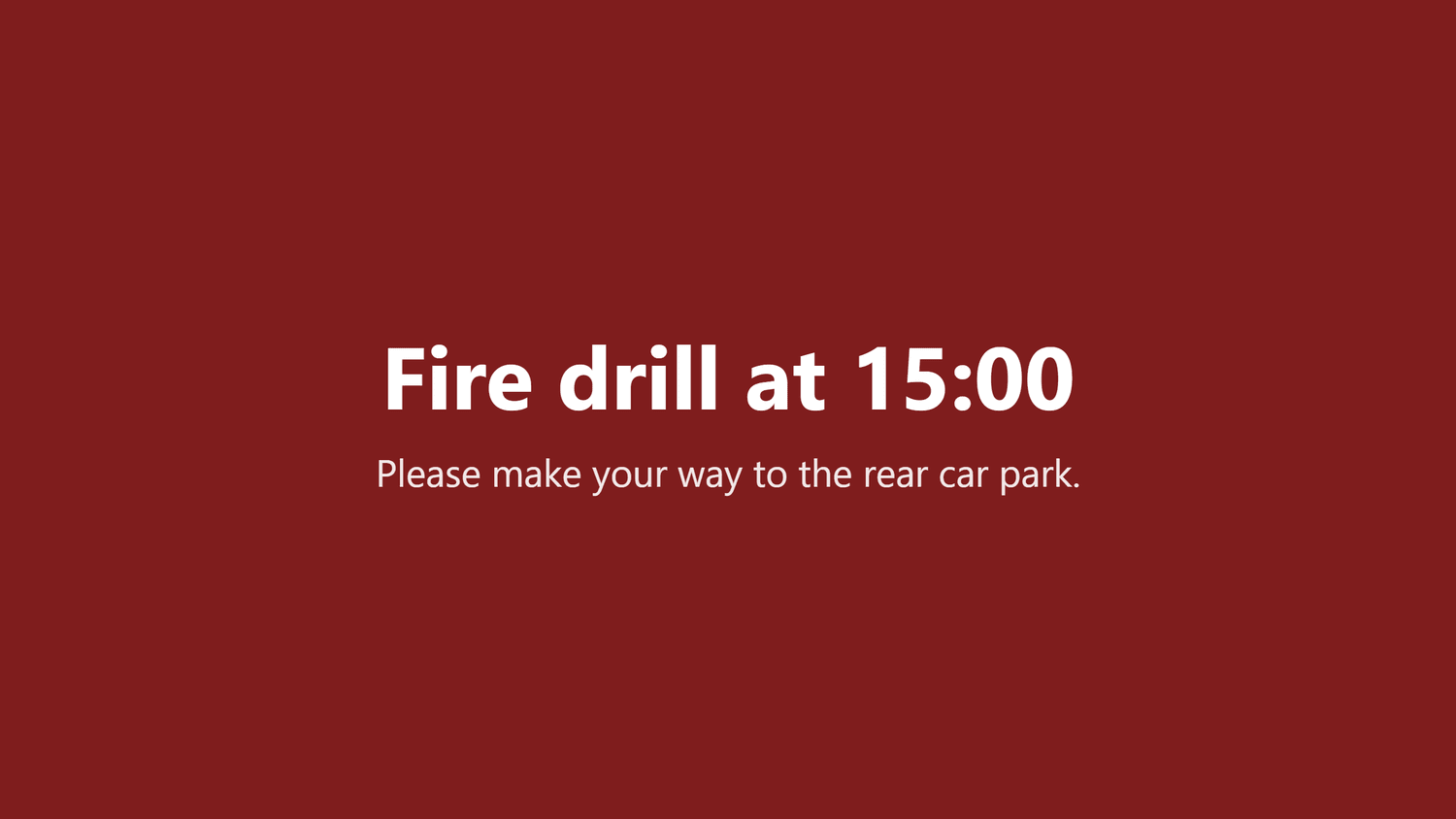
A closing or evacuation notice
A full-screen message that takes every board at once and lifts when you clear it.
On the wall
What this looks like in a restaurant
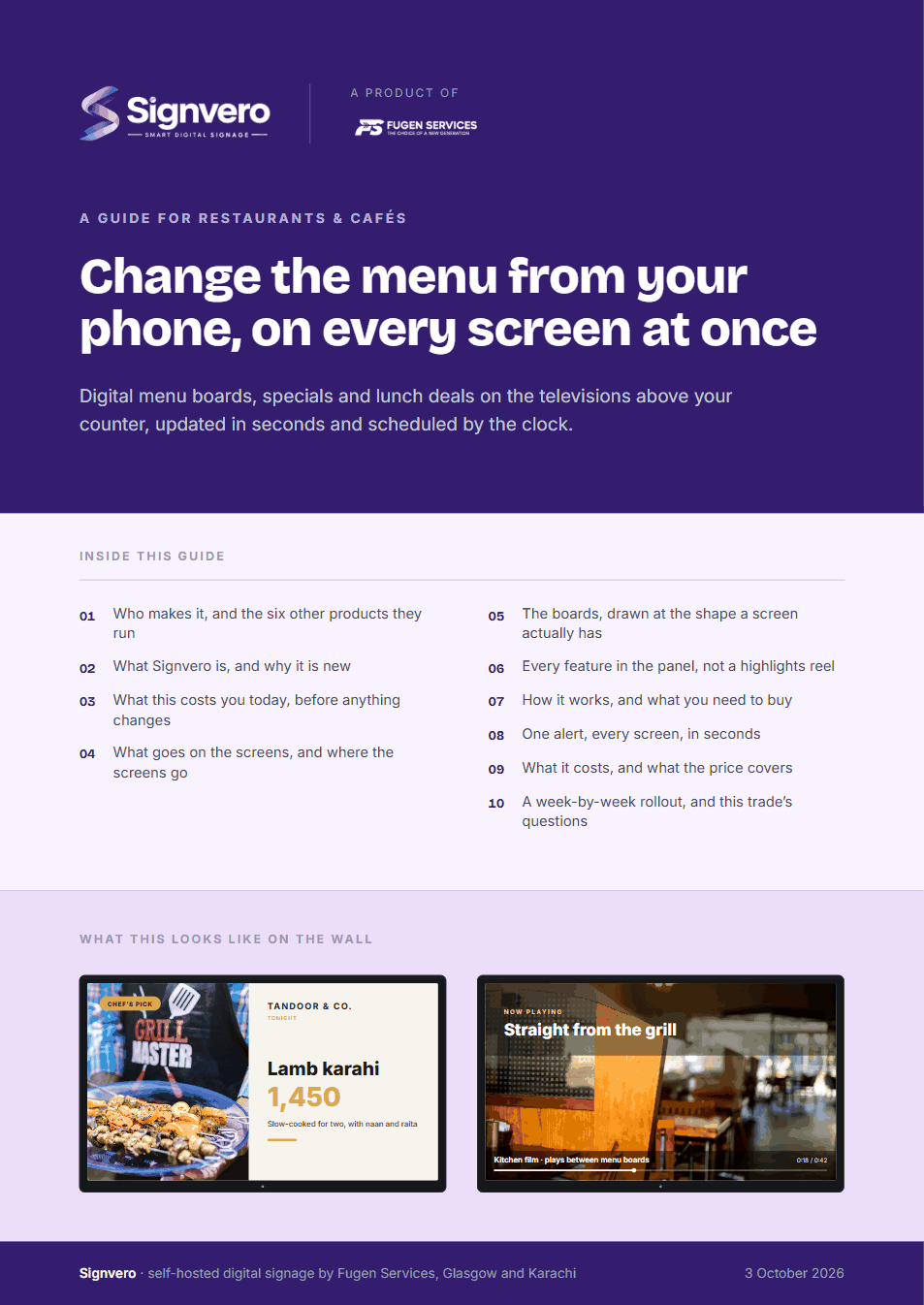
Two of the boards this trade runs. Both are built from a template in the panel, so the third one looks like the first and a price changed in one place is changed everywhere.
Placement
Where the screens go
The question every first conversation reaches within ten minutes. In the order most places buy them — and the first one is usually enough to start.
- 01Above the counter, carrying the main menu
- 02In the window, for the people walking past
- 03At the entrance, for waiting times and the night’s specials
- 04In the kitchen pass, for order numbers and last orders
The moment that matters
One alert, every screen, in seconds
Everything else on this page is the ordinary day. This is the reason people actually buy it.
Take it with you
A guide for restaurants & cafés
17 pages: who builds it, what it does in this trade, mock-ups of the boards and of the panel itself, every feature rather than a highlights reel, what it runs on, and what it costs — priced in your own currency, with every band on one page. Written for the person who has to say yes.
PDF · 17 pages · A4
Before you ask
Questions from this trade
- Can we use the televisions we already have?
- Almost always. Any screen with an HDMI socket works with a small Android TV box behind it, and a Samsung or LG set with its own browser needs nothing behind it at all.
- Who changes the menu day to day?
- Whoever you decide. It is a web page with a list of boards, so a manager with a phone can change a price in under a minute. Roles let you give one branch to one person and nothing else.
- What happens when the internet goes down during service?
- Nothing visible. The player already has the boards and keeps playing from its own storage, then picks up whatever changed once the connection returns.
- Do we pay per screen?
- No. You buy a band of screens for one price and the next screen inside that band is free. Most single-site restaurants sit in the smallest band with room to spare.
- Can it show the menu in Urdu or Arabic as well as English?
- Yes. Boards are built as images or designed cards, so any script that renders on a screen renders here, including right-to-left layouts.
Other settings
Where else this is used
Retail stores
Offers and pricing across every branch from one panel
Hotels & guest houses
Lobby, lifts, conference boards and wayfinding
Offices
Reception, meeting rooms, company news, fire drills
Factories & warehouses
Safety notices and shift boards that survive the network
Hospitals & clinics
Waiting rooms, wayfinding, and a channel that outranks everything
Schools & universities
Campus notices, timetables and lockdown messaging
Government & public sector
On-premise, auditable, and nothing leaves the building
Gyms & fitness studios
Class timetables, inductions and the screens by the weights
Salons & spas
Price lists, treatment menus and the wait at the chair
Pharmacies
Counter queues, health advice and the shelf behind you
Banks & finance
Branch queues, rates and compliance notices
Car showrooms
Stock on the floor, finance examples and the handover wall
Estate agents
A window of listings that changes itself
Supermarkets
Aisle ends, fresh counters and the queue at the till
Mosques & places of worship
Prayer times, announcements and appeals
See it running on your own screens
We will set up a live system with your own login, and walk you through anything you want to see.
No open demo, no sign-up wall, a person reads every request.