
Car showrooms
The car on the floor, priced on the screen beside it
Stock boards, specification and finance panels, workshop status and the window loop that works after you close.
A showroom sells with paper. A laminated card sits on the dashboard with a price on it, and when the price changes somebody prints another card — so the floor usually carries at least one car with last month’s figure on the windscreen.
The window is the second missed asset. A showroom is closed for two-thirds of the week by hours, but the glass is working the whole time, and a bright screen behind it is the only thing in the building earning at nine on a Sunday evening.
Signvero runs the cards, the window and the service desk from one panel. A price change is typed once; the card beside the car and the board in the window both change, and the customer who walks in on Monday is looking at the same number your sales team is quoting.
What usually goes wrong
The starting point
- Price cards are printed and at least one on the floor is out of date
- The window is dark for the two-thirds of the week you are closed
- Customers waiting for a service have no idea how long is left
Cards that change with the price
Type the figure once; the panel beside the car and the window board both carry it.
A window that works after hours
A bright loop of stock, finance examples and contact details, on a schedule that runs past closing.
A service desk that answers itself
Job status on a screen in the waiting area, so people stop asking the advisor.
In practice
What goes on the screens
Six things this trade puts up, rather than six things a signage brochure says you could.
Vehicle specification panels
Model, engine, mileage, price and finance example, on a small screen beside the car.
Stock and arrivals board
What is on the floor and what lands this month, changed as the stock does.
Finance and part-exchange examples
Worked monthly figures with the small print, updated when the rates do.
The window loop
Bright, short, and scheduled to keep running for hours after you lock up.
Service and workshop status
Job numbers and expected completion in the waiting area.
Handover and delivery wall
A customer’s name and their new car on the screen on the day they collect it.
On the wall
What this looks like in a car showroom
Two of the boards this trade runs. Both are built from a template in the panel, so the third one looks like the first and a price changed in one place is changed everywhere.
Placement
Where the screens go
The question every first conversation reaches within ten minutes. In the order most places buy them — and the first one is usually enough to start.
- 01Beside each car on the floor
- 02The window, running long after you lock up
- 03The service waiting area, for job status
- 04The handover bay, for the customer collecting today
The moment that matters
One alert, every screen, in seconds
Everything else on this page is the ordinary day. This is the reason people actually buy it.
Take it with you
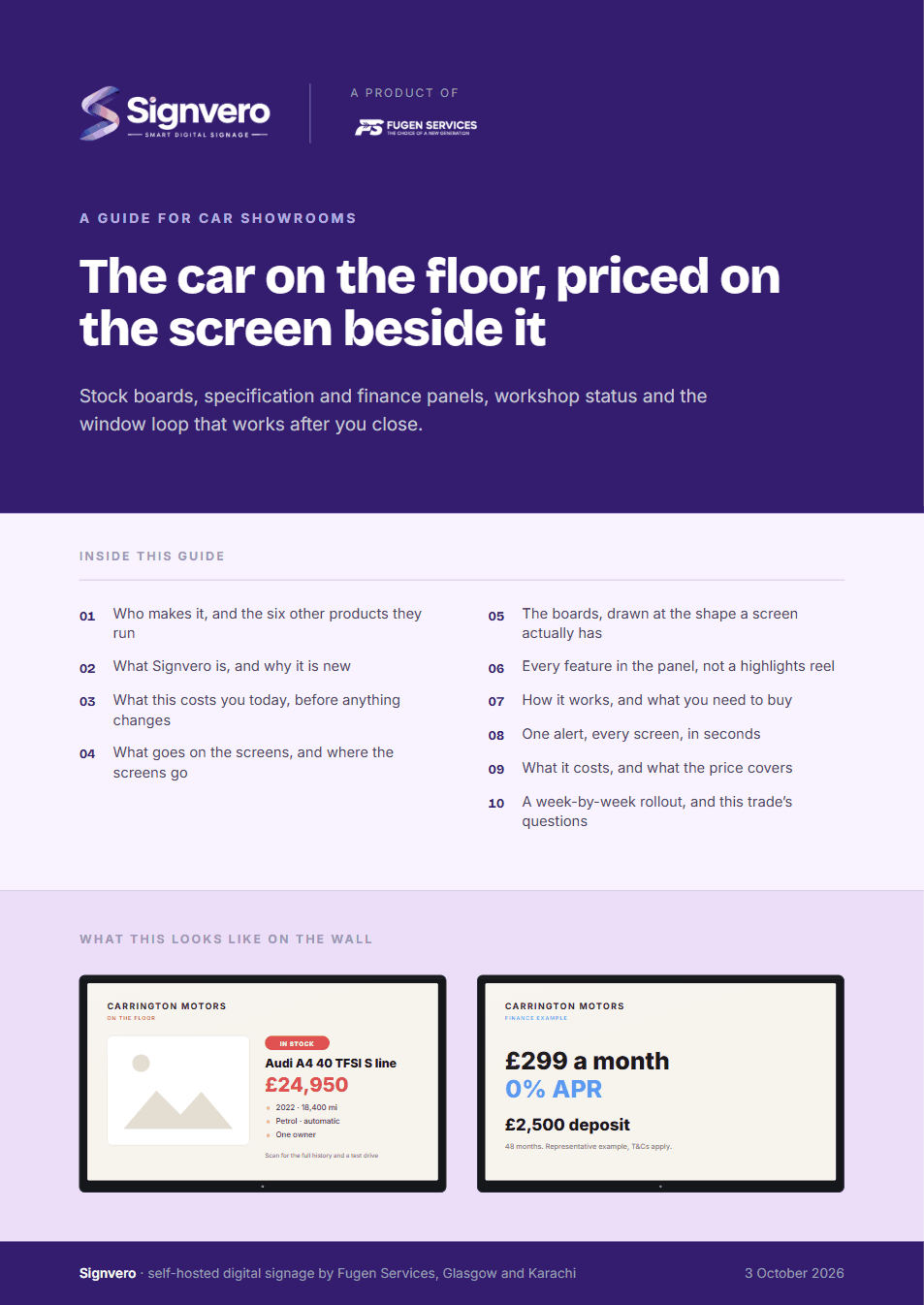
A guide for car showrooms
17 pages: who builds it, what it does in this trade, mock-ups of the boards and of the panel itself, every feature rather than a highlights reel, what it runs on, and what it costs — priced in your own currency, with every band on one page. Written for the person who has to say yes.
PDF · 17 pages · A4
Before you ask
Questions from this trade
- Can we show a different car on each small screen?
- Yes. Each screen is addressed individually, so a panel beside a car shows only that car and is changed when the car moves.
- Can the window screen run after closing?
- Yes, on a schedule of its own. It is the usual reason a showroom buys the second screen.
- Can stock come from our DMS?
- Panels are normally built in the media library, which suits most floors. A dealer group with a feed can push stock in through the API.
- How bright does a window screen need to be?
- Brighter than an ordinary television if it faces direct sun. The software is the same either way — this is a hardware decision, and we will tell you plainly what to buy.
Other settings
Where else this is used
Restaurants & cafés
Digital menu boards that change in seconds
Retail stores
Offers and pricing across every branch from one panel
Hotels & guest houses
Lobby, lifts, conference boards and wayfinding
Offices
Reception, meeting rooms, company news, fire drills
Factories & warehouses
Safety notices and shift boards that survive the network
Hospitals & clinics
Waiting rooms, wayfinding, and a channel that outranks everything
Schools & universities
Campus notices, timetables and lockdown messaging
Government & public sector
On-premise, auditable, and nothing leaves the building
Gyms & fitness studios
Class timetables, inductions and the screens by the weights
Salons & spas
Price lists, treatment menus and the wait at the chair
Pharmacies
Counter queues, health advice and the shelf behind you
Banks & finance
Branch queues, rates and compliance notices
Estate agents
A window of listings that changes itself
Supermarkets
Aisle ends, fresh counters and the queue at the till
Mosques & places of worship
Prayer times, announcements and appeals
See it running on your own screens
We will set up a live system with your own login, and walk you through anything you want to see.
No open demo, no sign-up wall, a person reads every request.