
Government & public sector
On your infrastructure, with a record of everything
Counter queues, service information and public notices, on a system your own team hosts and your own auditors can inspect.
Procurement in the public sector asks a different first question. Not "what does it do" but "where does the data live, who can reach it, and can we see what was changed and by whom" — and most signage products answer the first one beautifully and the other three not at all.
The second question is longevity. A department that installs something expects it to still be running in eight years, under a different supplier if necessary, which rules out anything whose data is only reachable through its vendor’s cloud.
Signvero is installed on your infrastructure, keeps everything in a standard database your own team can open, and writes every change to an audit trail with a name and a timestamp. It never makes an outbound connection. A perpetual licence is available where a subscription is the wrong instrument.
What usually goes wrong
The starting point
- Nothing may leave the organisation’s own infrastructure
- Every change has to be attributable, after the fact, to a person
- A system has to outlive the supplier that installed it
Installed where you say
Your rack, your virtual machine or your private cloud. No outbound connection and no external account.
An audit trail, not a log file
Who changed what, when, and from where — queryable in the panel and in your own database.
Nothing proprietary underneath
A standard database and standard formats, so a future team can keep it running without us.
In practice
What goes on the screens
Six things this trade puts up, rather than six things a signage brochure says you could.
Counter and token queues
The number being served and the counter to go to, announced as well as displayed.
Service and fee information
What a visitor needs to bring, before they have queued for twenty minutes to find out.
Public notices and consultations
Statutory information on a screen in the entrance, scheduled to appear and expire on the right dates.
Wayfinding by department
Which floor, which window, which corridor.
Staff-only boards
Internal notices on screens the public cannot see, in a group of their own.
Incident and evacuation messages
Full-screen across the building, with a record of who sent it.
On the wall
What this looks like in a government
Two of the boards this trade runs. Both are built from a template in the panel, so the third one looks like the first and a price changed in one place is changed everywhere.
Placement
Where the screens go
The question every first conversation reaches within ten minutes. In the order most places buy them — and the first one is usually enough to start.
- 01The entrance, for what to bring and where to go
- 02The waiting area, for the counter queue
- 03Each floor landing, for department wayfinding
- 04The staff room, in a group the public cannot see
The moment that matters
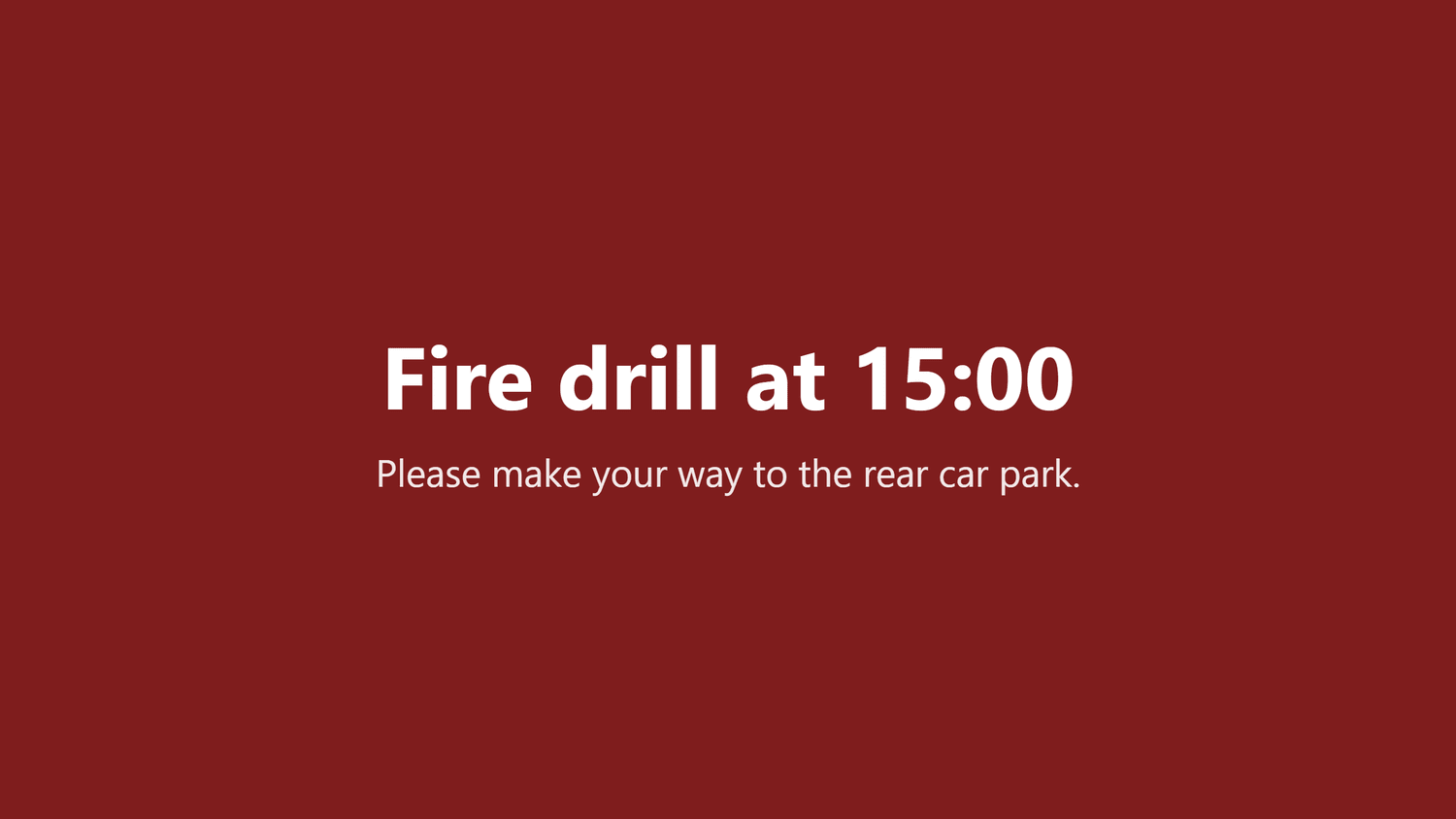
One alert, every screen, in seconds
Everything else on this page is the ordinary day. This is the reason people actually buy it.
Take it with you
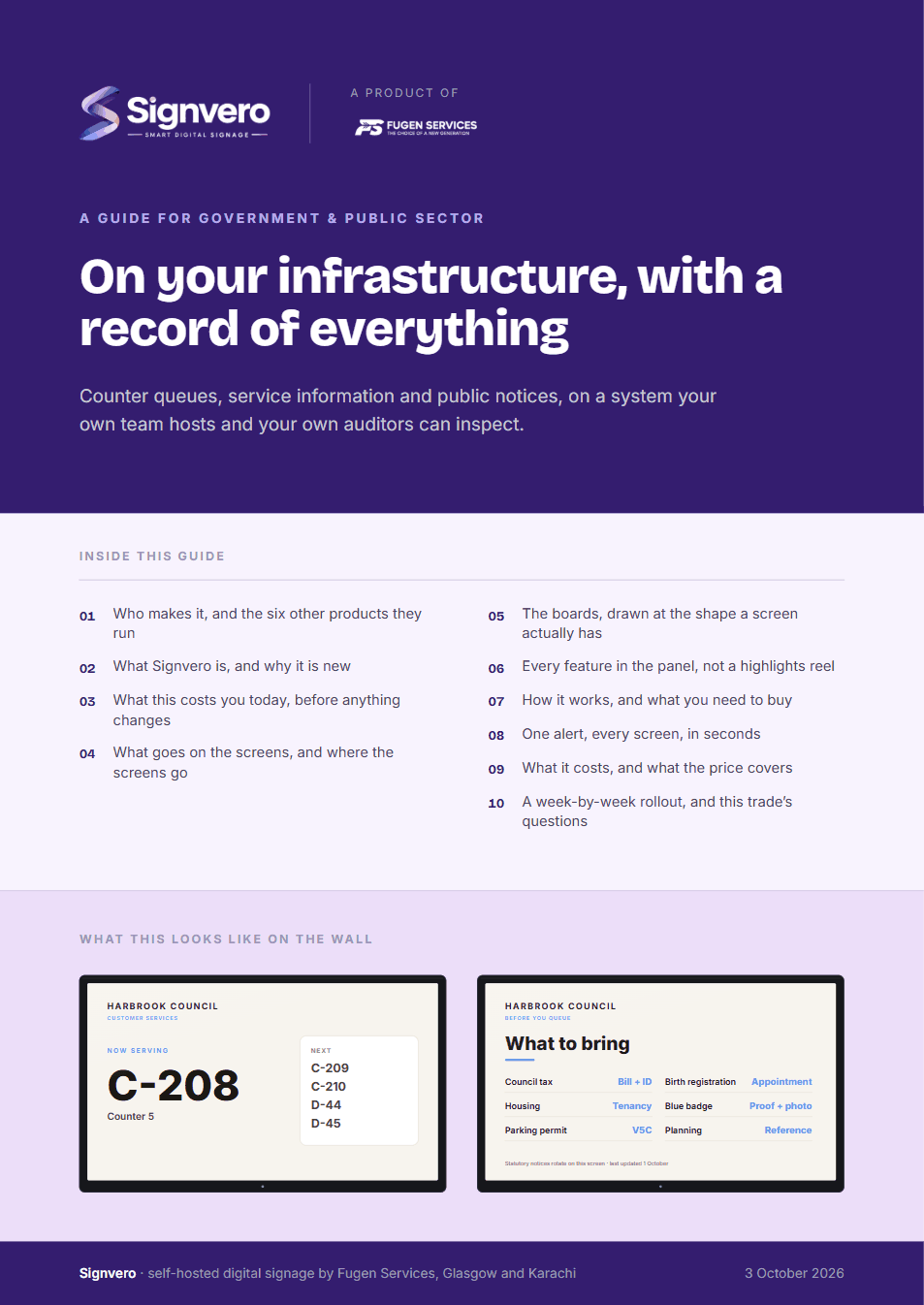
A guide for government & public sector
17 pages: who builds it, what it does in this trade, mock-ups of the boards and of the panel itself, every feature rather than a highlights reel, what it runs on, and what it costs — priced in your own currency, with every band on one page. Written for the person who has to say yes.
PDF · 17 pages · A4
Before you ask
Questions from this trade
- Can we buy it outright rather than by subscription?
- Yes. A perpetual licence is available on the Enterprise band, quoted alongside a support agreement, which is usually the right instrument for a capital budget.
- Where exactly does the data live?
- Wherever you install it — your rack, your VM, your private cloud. It uses a standard database you can open with any ordinary client, and nothing is sent anywhere else.
- Is there an audit trail of who changed what?
- Yes, and it is a first-class part of the product rather than a log file. Every change carries a user, a time and the action, and it is queryable from the panel.
- What happens if we stop working with you?
- It keeps running. The data is in your database in standard formats and the system does not phone home for permission to work.
Other settings
Where else this is used
Restaurants & cafés
Digital menu boards that change in seconds
Retail stores
Offers and pricing across every branch from one panel
Hotels & guest houses
Lobby, lifts, conference boards and wayfinding
Offices
Reception, meeting rooms, company news, fire drills
Factories & warehouses
Safety notices and shift boards that survive the network
Hospitals & clinics
Waiting rooms, wayfinding, and a channel that outranks everything
Schools & universities
Campus notices, timetables and lockdown messaging
Gyms & fitness studios
Class timetables, inductions and the screens by the weights
Salons & spas
Price lists, treatment menus and the wait at the chair
Pharmacies
Counter queues, health advice and the shelf behind you
Banks & finance
Branch queues, rates and compliance notices
Car showrooms
Stock on the floor, finance examples and the handover wall
Estate agents
A window of listings that changes itself
Supermarkets
Aisle ends, fresh counters and the queue at the till
Mosques & places of worship
Prayer times, announcements and appeals
See it running on your own screens
We will set up a live system with your own login, and walk you through anything you want to see.
No open demo, no sign-up wall, a person reads every request.