The pensions headline that exposes a communications gap
On 14 August 2026 pensions-expert.com published “Why pension schemes could be ‘failing’ members outside of the office.” The headline itself is enough to show the problem: workers who are not at a desk rarely read the emails that HR, compliance and internal comms teams send. Open rates for deskless staff average 22% in the UK, according to the Institute of Internal Communication. The other 78% of messages vanish into unopened folders or unnoticed notifications.
For facilities managers, IT leads and operations directors, the question is not whether email works, it clearly does not for everyone, but what actually reaches staff when they are on the shop floor, in the warehouse, or moving between wards.
Where screens outperform inboxes
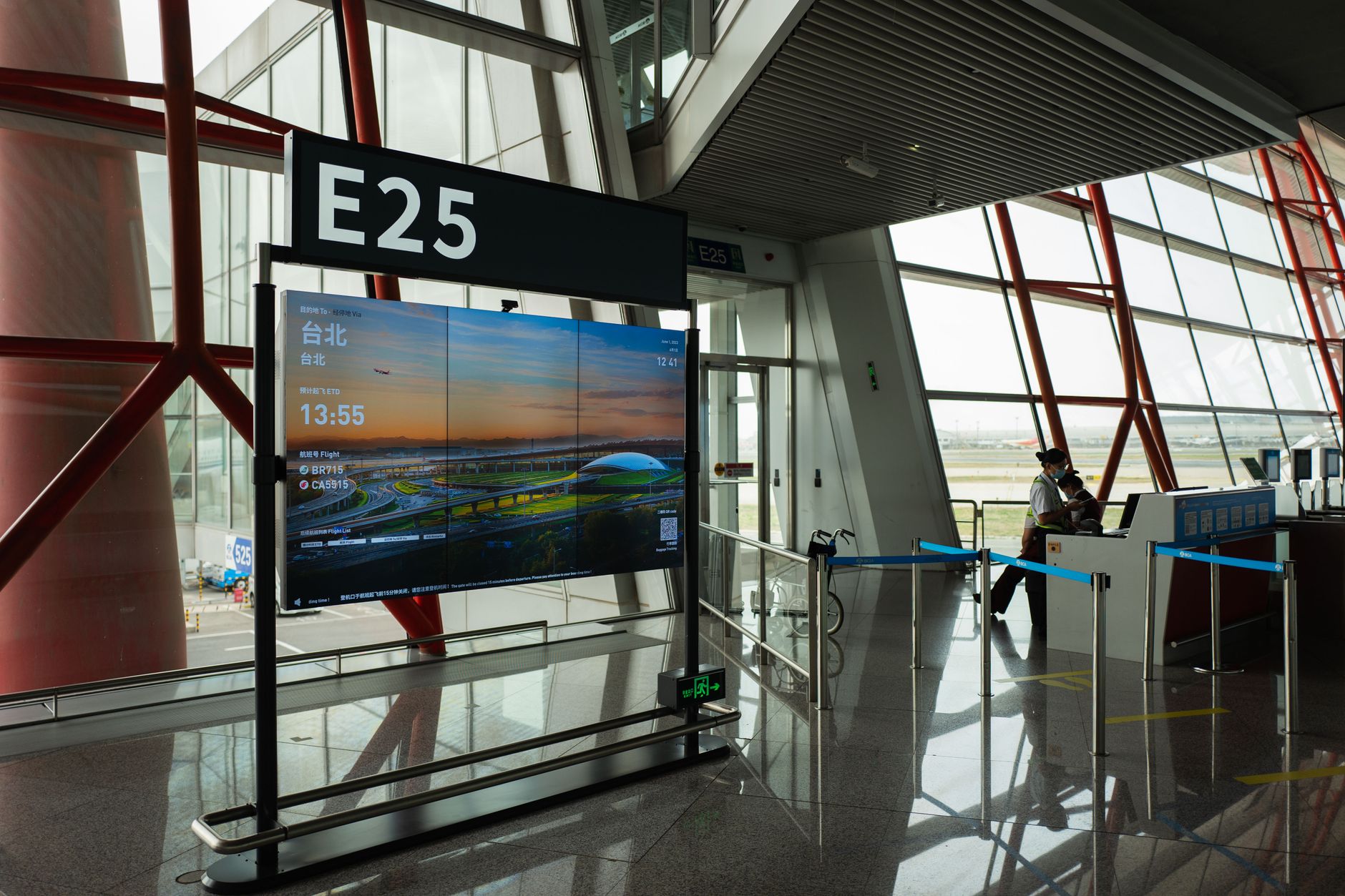
A screen mounted in a corridor, canteen or loading bay has three advantages over an email:
- Visibility without action: No click, no scroll, no login required. The message is already in front of the viewer.
- Shared context: A single screen can serve dozens of people at once, creating a shared moment that email cannot replicate.
- Timing: Screens update in real time, so urgent messages appear immediately, not when the recipient next checks their phone.
These differences matter most for staff who do not have a desk, a company email address, or the habit of checking one. In healthcare, retail and logistics, that can be 60-80% of the workforce.
What happens when messages are missed
When communications fail, the costs are measurable:
| Scenario | Consequence | Typical cost (UK average) |
|---|---|---|
| Missed shift change | Overtime for cover, agency fees | £120-£250 per incident |
| Unread safety update | Near-miss or reportable incident | £1,500-£5,000 in investigation and fines |
| Ignored compliance deadline | Regulatory breach, potential fine | £5,000-£20,000 |
| Unseen evacuation notice | Delayed response, increased risk to life | Unquantifiable |
These are not hypotheticals. The Health and Safety Executive’s 2025 annual report showed that 38% of workplace incidents involved a failure to communicate a change in procedure. In most cases, the message had been sent by email.
How screens fit into existing workflows
Screens do not replace email; they complement it. A typical roll-out looks like this:
- Content: Existing assets, PDFs, images, videos, are repurposed. No new production is needed.
- Scheduling: Messages are queued alongside existing internal comms, using the same approval chains.
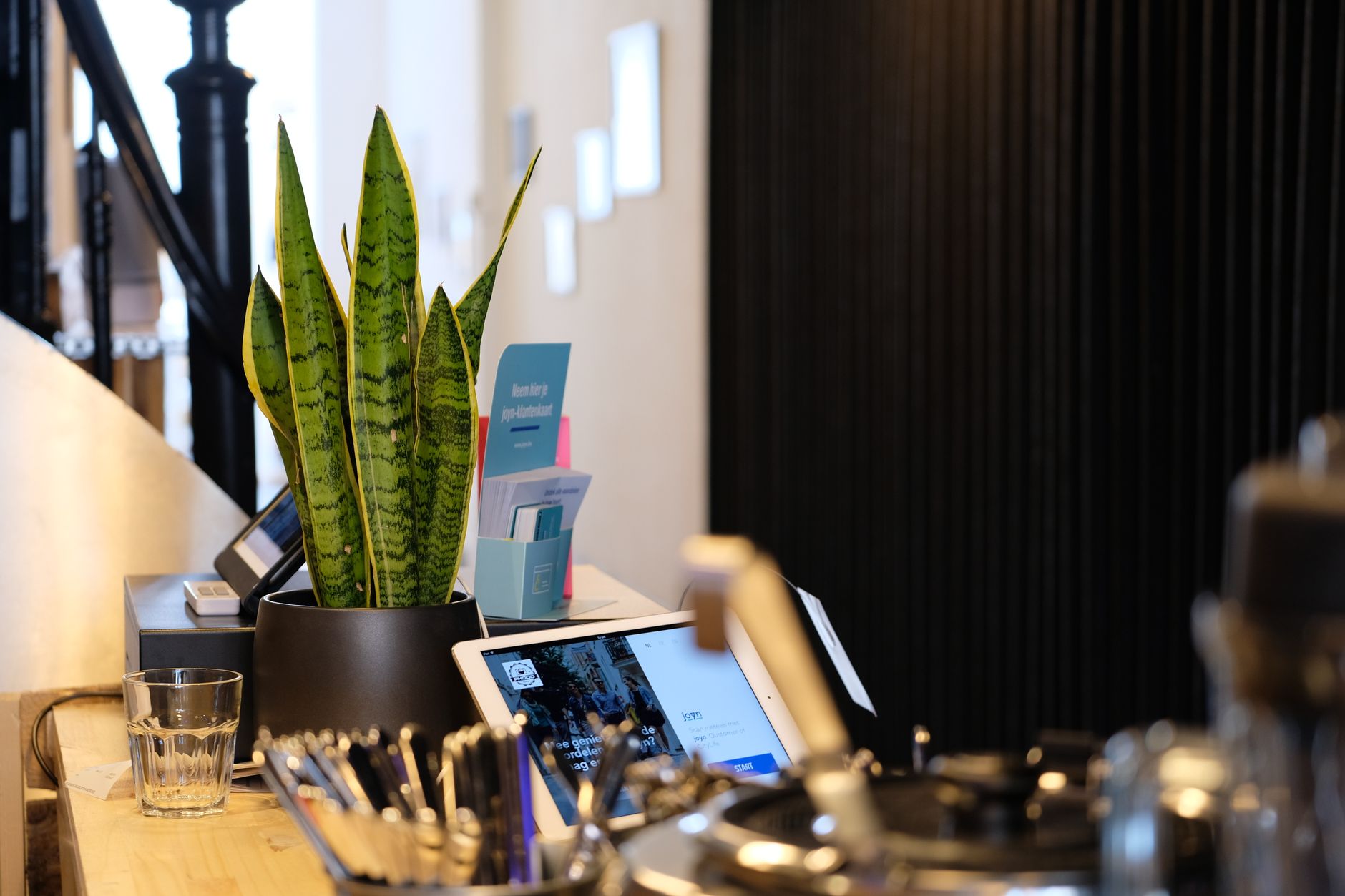
- Hardware: Android TVs, tablets or phones already owned by the organisation run the player app.
- Network: Devices poll the server every 30-60 seconds, so no persistent connection is required.
Because the system is self-hosted and licensed per site, there are no per-screen fees. A hospital with 50 screens pays the same as one with five. Data never leaves the building unless the server is placed outside it.
What screens cannot do
Screens are not a universal fix. They have clear limitations:
- Detail: A screen is not the place for a 2,000-word policy update. It works for headlines, reminders and urgent notices.
- Two-way communication: Screens broadcast; they do not collect replies or confirm understanding.
- Personalisation: Everyone sees the same message at the same time. For tailored content, email or an app is still needed.
- Off-site reach: If staff are not in the building, they will not see the screen. Mobile push or SMS is still required for remote workers.
When screens become essential
There are moments when screens move from useful to essential:
- Emergency alerts: When fire alarms sound, screens interrupt with evacuation routes and assembly points.
- Live updates: During a major incident, screens show real-time instructions that emails cannot deliver quickly enough.
- Regulatory deadlines: When a compliance window is closing, a screen in a high-traffic area ensures the deadline is seen.
In these cases, screens are not just another channel, they are the only channel that can guarantee visibility at the moment it matters.
How to start without overcommitting
Testing screens does not require a large budget or a long project:
- Pick one location: Choose a corridor, canteen or break room with high footfall.
- Use existing hardware: Repurpose an old Android TV or tablet. The player app is a standard APK, not a custom ROM.
- Repurpose content: Use images, videos or slides already created for email or intranet.
- Measure: Track footfall in the area and compare it to email open rates for the same messages.
After two weeks, the data will show whether screens reach more people than inboxes. If they do, the case for expansion is made by the results, not by vendor claims.
What to do next
If screens could solve a visibility problem in your organisation, the next steps are straightforward:
- Request a demo: Arrange a conversation to see how the system works in practice. There is no open demo; access is arranged with a person.
- Identify a pilot location: Choose a single area with a clear audience and measurable traffic.
- Repurpose existing content: Use assets already created for email or intranet.
- Run a two-week test: Compare screen views to email open rates for the same messages.
Screens will not replace email, but they can reach people email never will. The question is not whether they work, but whether they work better than what you are using now.