

Digital signage
Digital Signage Data Protection: What Your Screens Store and How to Stay Compliant
Discover what data your digital signage collects, how it’s shared, and the GDPR pitfalls that could cost you three months in.
15 min read
Self-hosted · Deployed and supported by people, not a ticket queue
Blog
7 pieces on this, newest first.
Digital signage is the simplest way to put messages on screens around your building without relying on staff to update them. Whether you need to show rota changes, fire alarms or just the canteen menu, this section explains how to set it up, keep it running and avoid the common pitfalls that waste time and money. You’ll find practical guides on choosing the right hardware, writing content that people actually read, and making sure your screens can still show an emergency alert even when they’re playing something else. If you’re responsible for keeping systems working and want to know what digital signage can realistically do for your site, this is where to start.
Discover what data your digital signage collects, how it’s shared, and the GDPR pitfalls that could cost you three months in.
15 min read

Digital signage on factory floors fails silently, here’s where the cracks appear months after installation.
12 min read
A transformer monitoring report made headlines this week. The grid is under strain, and so are the WiFi networks that run on it. Here is what happens to digital signage when the connection drops, and what a screen should do for the eight hours the network is down.
7 min read
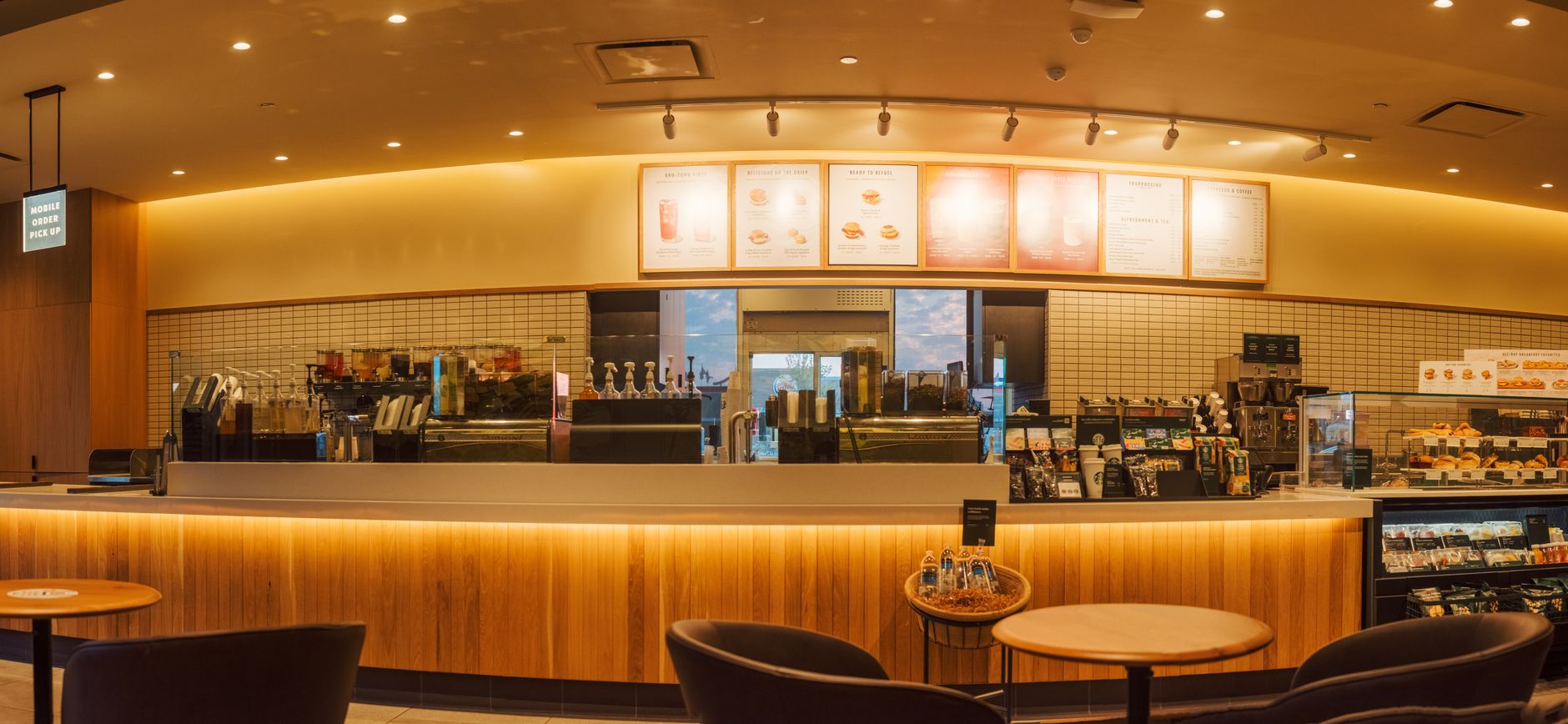
When a screen shows last week’s promotion, the problem isn’t the screen. It’s the hidden cost of manual updates, missed queues, and compliance risks. How self-hosted digital signage keeps retail and hospitality displays accurate without per-screen fees.
6 min read
Shift boards, safety counters and emergency alerts on a busy manufacturing floor need more than screens. They need resilience, traceability and a way to interrupt the noise when seconds count.
6 min read

A recent report found Apple TV more reliable than Android for digital signage. But Android TVs and tablets are already on site, and the permissions that let them interrupt broadcasts are built into the OS. Here’s how to calculate the real cost against dedicated players.
5 min read

OneAdvanced’s UK-sovereign AWS roll-out shows how seriously data residency is taken. Self-hosted digital signage gives the same control without per-screen licensing or cloud lock-in. Here’s what actually shifts when the server is yours.
5 min read
We will set up a live system with your own login, and walk you through anything you want to see.
No open demo, no sign-up wall, a person reads every request.