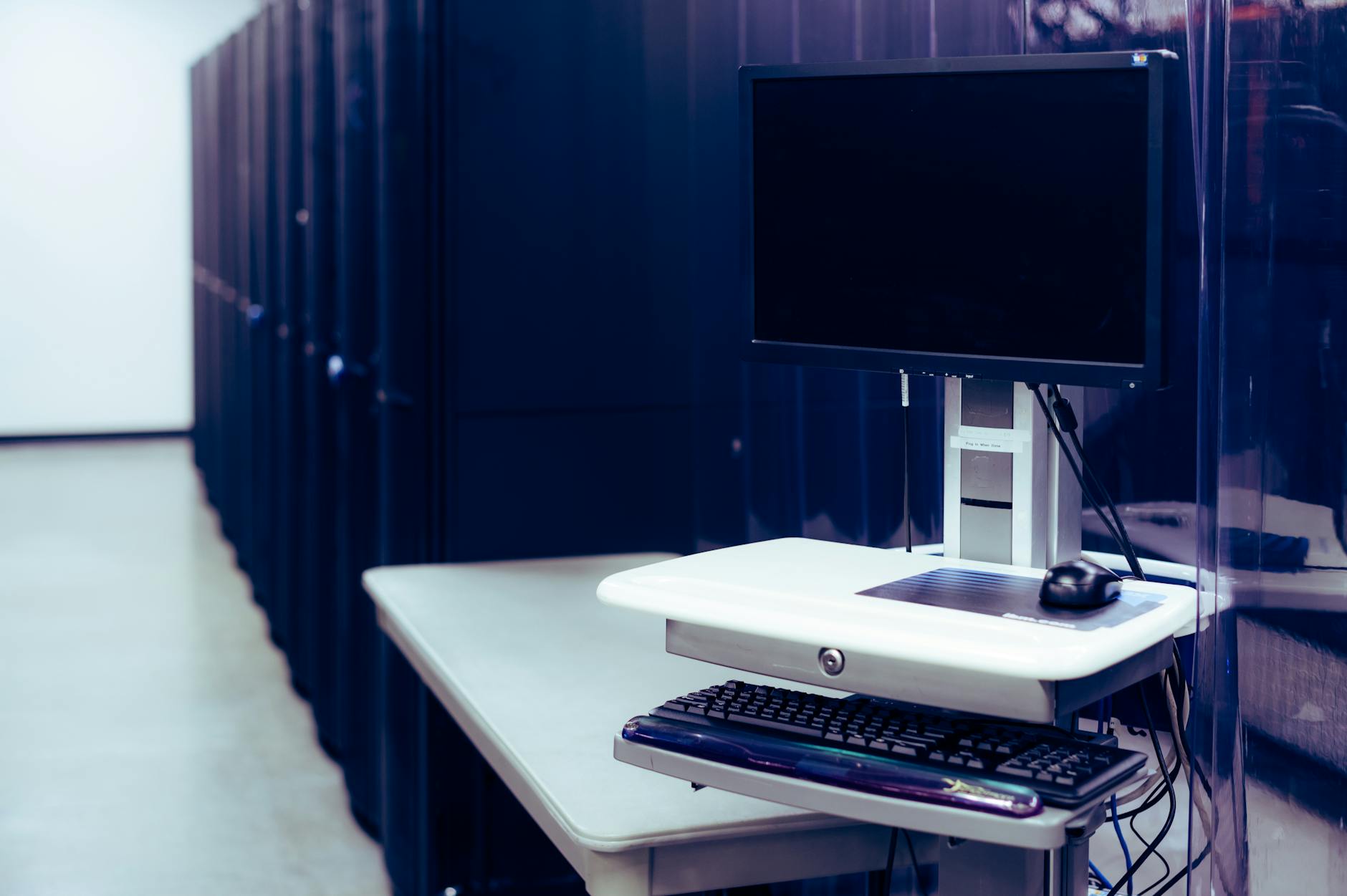
Your screens are ‘on’, but are they actually showing the right content?
Digital signage vendors track what should appear on a screen, not what actually does. Their dashboards show a playlist of scheduled content, when a message was due to play, how long it was supposed to run, and whether the screen was powered on at that time. This is not the same as confirming the screen displayed it.
The gap appears when a screen fails to receive an alert. The system logs that the message was "sent" at the scheduled time, but it never reached the device. The vendor’s dashboard marks the slot as "delivered" because the server pushed the instruction, even though the screen ignored it. A network outage, a misconfigured firewall, or a device that never granted the required permission all leave the dashboard untouched. The screen plays its loop, the log shows a green tick, and no one notices the disconnect.
This misleads managers into assuming screens are functional. A site manager checks the dashboard after an incident and sees all alerts marked as delivered. They conclude the system worked, even though staff never saw the evacuation notice or the price promotion. The problem repeats when the same screen fails to show a critical update, this time, the dashboard confirms it did play, so the issue is blamed on human error or "miscommunication".
The only way to know for sure is to verify what the screen actually showed. A device that reports back when it receives an alert removes the guesswork. If the screen acknowledges the message, the dashboard reflects reality. If it does not, the system flags the failure before the next complaint arrives. Without this step, the vendor’s logs become a record of intentions, not results.
Delivery confirmation is the first thing vendors omit from their dashboards
Most digital signage systems track whether an alert was sent, not whether it appeared. A dashboard might show a green tick for a fire drill announcement, even if the screen was stuck on a frozen logo or a corrupted video. The difference is critical: a system that only checks scheduled content assumes the screen is working. It does not verify that the device rendered the alert, acknowledged it, or reported back.
This gap explains why failures go unnoticed for weeks. Consider a production line where a safety message fails to update. The vendor’s panel marks the alert as "delivered" because the server pushed it. The screen, however, never granted the permission to interrupt what was playing, so the message never broke through. By the time someone spots the old content, the risk has repeated every shift. The same happens in a hospital corridor: a critical update about a ward closure sits in a queue, invisible until a nurse complains. The system logged the dispatch, but the screen was silent.
The oversight is not accidental. Many vendors design dashboards around what the server thinks happened, not what the screen proved happened. Their "delivery confirmation" is a timestamp on the network, not a handshake from the device. That leaves two possibilities: either the screen is lying, or the system is. Neither helps when seconds matter.
Here’s how the two approaches compare in practice:
| What the dashboard shows | What the screen actually does | Result when the screen fails |
|---|---|---|
| Alert "delivered" at 10:05 | Screen lacks overlay permission; alert never interrupts | Old content remains until someone notices |
| Content "played" in scheduled slot | Device polled but ignored the update due to a frozen app | Dashboard shows uptime; screen shows stale message |
| All screens "online" | One device is asleep or has power stolen | No heartbeat = no alert, but dashboard still ticks |
| Fire drill "broadcast" | Screen’s WiFi dropped; cached content plays instead | Server thinks it worked; screen shows wrong info |
| Heartbeat "received" | Device reports back but never rendered the alert | False confidence in compliance |
The fix is simple: require the screen to acknowledge the alert before the dashboard marks it as delivered. That means the device must prove it interrupted what was playing, not just that it received the data. Without this step, the system cannot tell the difference between a screen that worked and one that lied.
Heartbeat monitoring fails when the screen is ‘asleep’, or when power is stolen
A screen in a quiet corner, break room, storage closet, or a rarely used meeting space, can still report back to the dashboard as if it is working. The device checks in on schedule, its heartbeat is steady, and the panel shows green. But the screen is not displaying anything. It is asleep.
Power management settings on Android devices default to aggressive energy saving. When a screen is idle for a set period, often just 30 minutes, it dims, then turns off. The hardware remains on, but the display is dark. The software is still running, so it can poll the server and send a heartbeat. The panel never notices the difference.
This is not a bug. It is how the system behaves when left unattended. A screen that is not in use is also not consuming power, and the device will not wake itself to show an alert. The only way to confirm it is off is to walk past and see the blank screen, or to receive a complaint that no one has seen the latest notice for hours.
Power can also be stolen silently. A break room screen might be on a separate circuit from the main office, or it could be plugged into a socket that is controlled by a timer or a motion sensor. If the lights go out at night, the screen goes with them. If the building management system cuts power to unused areas, the device shuts down completely. The dashboard still shows a heartbeat because the device was never told to stop reporting, it just has no power to do so.
The result is the same in both cases: the monitoring system lies. It shows a screen as active when it is not displaying anything, or when it is entirely offline. The only way to catch it is to visit the location or to rely on someone noticing the content is missing. Neither is reliable.
The screenshot that proves a screen is broken usually arrives after the third complaint
By the time a user complains that a screen is blank, the problem has already existed for minutes, often longer. Reactive monitoring, which only takes screenshots after a report, confirms what everyone already knows: the screen failed when it mattered. The evidence arrives too late to act.
The delay happens because the system waits for a human to notice and trigger a capture. If the first complaint comes at 10:15, the screenshot proves the screen was dark since 10:05 at the earliest. By then, the missed announcement may have caused a safety breach, a compliance violation or a lost opportunity. The screenshot itself is useless for prevention, it only proves the failure after the damage is done.
Proactive verification changes this. Instead of waiting for a complaint, each screen sends a heartbeat every few seconds, confirming it is still displaying content. If a screen stops responding, the panel flags it immediately. The difference is not just speed, it is the ability to intervene before a user realises anything is wrong. A missing safety alert, a frozen menu board or a blank reception screen can all be corrected the moment they happen, not after the third person has walked past and reported it.
The mechanism is simple: the server does not assume a screen is working unless it proves it. A heartbeat is not a screenshot, it is a lightweight check that the device is still active and showing the right thing. When a screen fails to respond, the system knows within seconds. There is no waiting for a complaint, no guessing how long the issue has existed. The panel shows exactly which screens are broken, and which are still running, so action can begin before the problem spreads.
This is how digital signage stops lying. It does not wait for evidence of failure, it demands proof that everything is working.
Three months in, your ‘reliable’ screens start dropping content at predictable times
After three months, a screen that once played without complaint begins to miss alerts at the same time every day. The dashboard shows it as active, but nothing appears when it should. The vendor’s response is always the same: check the cables, reboot the device, or confirm the content was uploaded correctly. None of these explanations fit. The issue follows a pattern, it starts at 3.17 PM, lasts for 45 minutes, then vanishes until the next day. The cause is not a loose connection or a corrupted file. It is the screen’s own environment.
Dust is the most common culprit. A fan inside the device, running to cool the hardware, draws in particles from the air. Over time, these build up on the circuit board, creating a thin insulating layer between components. At certain temperatures, this layer becomes conductive, causing brief power fluctuations. The screen does not shut down, it simply fails to register new commands. The vendor’s support team cannot detect this from their end because the device still responds to basic checks. A reboot clears the dust’s effect temporarily, but the problem returns when conditions align again.
Temperature swings play a similar role. A screen left in a corridor with heating that cycles on and off will expand and contract its internal components. This movement can loosen solder joints on the display’s controller chip, leading to intermittent signal loss. The vendor’s firmware updates often worsen this, as they introduce new dependencies that rely on stable connections. If the joint is already marginal, the update makes it fail under load. The support team blames the user for not applying updates correctly, even though the device was never asked to update itself.
The key detail in both cases is predictability. The screen does not break at random, it fails when the dust layer conducts, or when the joint flexes under thermal stress. The vendor’s tools cannot see these conditions because they only check if the device is alive, not whether it is working. A facilities manager who has seen this pattern before knows the screen is not at fault. The real issue is that the vendor’s monitoring treats symptoms as causes, and the environment as an afterthought.
A vendor’s uptime guarantee is worthless if failures still cost your organisation money
A vendor’s uptime guarantee is worthless if failures still cost your organisation money. The calculation is straightforward: even a single screen showing the wrong message at the wrong time can trigger a safety incident, a lost contract, or reputational damage.
Take an evacuation alert. If a screen freezes or displays an old ad instead of the fire drill notice, the delay could mean the difference between compliance and a breach. A frozen screen in a bank lobby might cause a run on ATMs, while outdated pricing on a transport hub could trigger a dispute with regulators.
The real failure is not the downtime itself, but the lack of confirmation that the right content reached the right screen at the right time. A vendor’s uptime claim does not account for the cost of a single missed alert. It does not factor in the time wasted chasing why a screen is showing the wrong thing. The failures are not a rounding error, they are the part of the system that costs you money.
What to do when the monitoring system itself becomes the problem
The monitoring system itself can become the problem when it fails to report what is actually on screen. A screen may acknowledge an alert, but if the network drops for longer than the poll interval, the dashboard will show it as "online" even though it has not refreshed its content. The panel will not know whether the screen is still displaying the old loop or whether it has fallen back to cached material. Without a heartbeat that includes a timestamp, there is no way to tell if the last reported state is minutes old or still current.
Permissions add another layer of uncertainty. A screen that has lost the "display over other apps" permission will silently ignore alerts, but the monitoring tool will still record it as "active". The dashboard cannot distinguish between a screen that is working and one that has been locked out by a user or an update. If the system does not flag which screens can still interrupt broadcasts, it cannot warn you that half your estate has become useless until the third complaint arrives.
Corrupted logs make the issue worse. If the player crashes during an update, it may reboot into a broken state where it reports to the server as healthy but shows nothing. The only sign of trouble is a missing screenshot, which arrives too late to stop the first call from reception. Without a way to force a refresh or take a live image, you cannot confirm whether a screen is stuck or whether the problem is elsewhere.
The solution is to audit the auditor. Check that the monitoring tool includes a timestamp with every heartbeat, so you can see if a screen’s last update is still relevant. Verify that it flags screens which have lost the overlay permission before they stop working, not after. If the dashboard does not show which screens can still interrupt broadcasts, it is not doing its job. The panel should also let you force a screenshot or restart a device remotely, so you can confirm the state of a screen without waiting for a complaint.
Next, install a test screen on your own network. Run it alongside your existing system and simulate failures, drop the connection, revoke permissions, and trigger alerts while the screen is offline. If the monitoring tool does not report every change, it is not reliable. Replace it before it becomes the weak link.