
From send to on screen in 2 to 5 seconds
Every screen in the building. One panel. Seconds to reach them all.

Run playlists on the televisions you already own. Then, the moment something matters, take every screen in seconds, over whatever is playing. Including the news channel somebody left on three months ago.
A person reads every request. No sign-up wall, no sales sequence.
- Nothing new to buy
- It runs on the televisions already up.
- Everything included
- Hosting, both apps and support, one price.
- Covers other apps
- A news channel is interrupted, not queued behind.
Runs on the screens you already own
- Android TVNative APK, full capability
- Fire TVNative APK, same as Android TV
- SamsungThe set’s own browser
- LGNothing to install
- ChromeWeb player, installs as a PWA
- Raspberry PiBehind any screen
- WindowsWeb player on a mini PC
- Android tabletsNative player on a wall tablet
Platform names describe compatibility. No affiliation or endorsement is implied.
The panel
One place for every screen you own
Not a dashboard for its own sake. Every screen in the estate, what each one is playing, and which of them have quietly stopped, on one page that a receptionist can be shown in a morning.
- Live status, reported by the screen every thirty seconds
- Playlists, schedules and media, assigned by group
- The emergency channel, two clicks from anywhere in it
Where it runs
Six kinds of building, one panel
The settings the product was designed around, and the job it does in each. Every one of them has the screens already.
 Restaurants & cafés
Change the menu from your phone, on every screen at once
Digital menu boards that change in seconds
What it looks like here Retail stores
Every branch, changed from one desk
Offers and pricing across every branch from one panel
What it looks like here Hotels & guest houses
A guest should not have to ask where anything is
Lobby, lifts, conference boards and wayfinding
What it looks like here Offices
The building already has the screens
Reception, meeting rooms, company news, fire drills
What it looks like here Factories & warehouses
Safety notices that do not depend on the office Wi-Fi
Safety notices and shift boards that survive the network
What it looks like here Hospitals & clinics
Calm information, and a channel that outranks it
Waiting rooms, wayfinding, and a channel that outranks everything
What it looks like here Schools & universities
A campus is a lot of screens and a lot of buildings
Campus notices, timetables and lockdown messaging
What it looks like here Government & public sector
On your infrastructure, with a record of everything
Separated, auditable, and answerable to a named person
What it looks like here Gyms & fitness studios
The timetable changes weekly. The poster does not.
Class timetables, inductions and the screens by the weights
What it looks like here Salons & spas
The price list on the wall, changed without a print shop
Price lists, treatment menus and the wait at the chair
What it looks like here Pharmacies
The wait at the counter, made useful
Counter queues, health advice and the shelf behind you
What it looks like here Sweet shops
The rate changed this morning. So did every board.
Rates by the kilo, gift boxes and the Eid counter
What it looks like here Banks & finance
Rates that are right in every branch, on the hour
Branch queues, rates and compliance notices
What it looks like here Car showrooms
The car on the floor, priced on the screen beside it
Stock on the floor, finance examples and the handover wall
What it looks like here Estate agents
A window that is never showing a property you sold last month
A window of listings that changes itself
What it looks like here Supermarkets
Price changes that reach the shelf edge and the aisle end together
Aisle ends, fresh counters and the queue at the till
What it looks like here Mosques & places of worship
Prayer times that are right without anybody changing a board
Prayer times, announcements and appeals
What it looks like here- 2 to 5s
- From send to on screen
- Measured on shared hosting with no WebSocket
- 25+
- Screens on one modest server
- Far more with a database upgrade
- 0
- New televisions to buy
- In most buildings the screens are already up
- 100%
- Playback while offline
- Content runs from local storage
The problem
A hundred screens, and no way to reach them at once
Most buildings already have the screens. They are showing a news channel, a slideshow somebody set up two years ago, or nothing at all. Changing what is on them means walking to each one with a USB stick.
And when something actually matters, a fire drill, an evacuation, a visitor at the gate, there is no way to put it on all of them. By the time the message has gone round, the moment has passed.
What this does instead
- One panel, every screen in the estate, from a laptop
- An emergency alert takes all of them in two to five seconds
- It interrupts whatever is playing, including another app
- Screens keep working when the network does not
- Runs on the televisions you already own
- Your server, nothing leaves the building
What it does
Everything the estate needs, in one panel
Six capabilities that between them cover the whole job, from the loop on a lobby wall to the alert that takes the building.
Know which screens are lying to you
A wall that has quietly stopped working looks exactly like a wall that is working, right up until somebody walks past it.
- Online, offline and awaiting-pairing counts, live
- What each screen is playing right now, reported by the screen, not assumed
- Screens that cannot cover another app are flagged
- A day of uptime history per screen, so an intermittent set is provable
On the wall
What everybody else sees
Every screenshot above is the panel, which is what an operator sees and not what anyone else does. These are the product from the corridor.
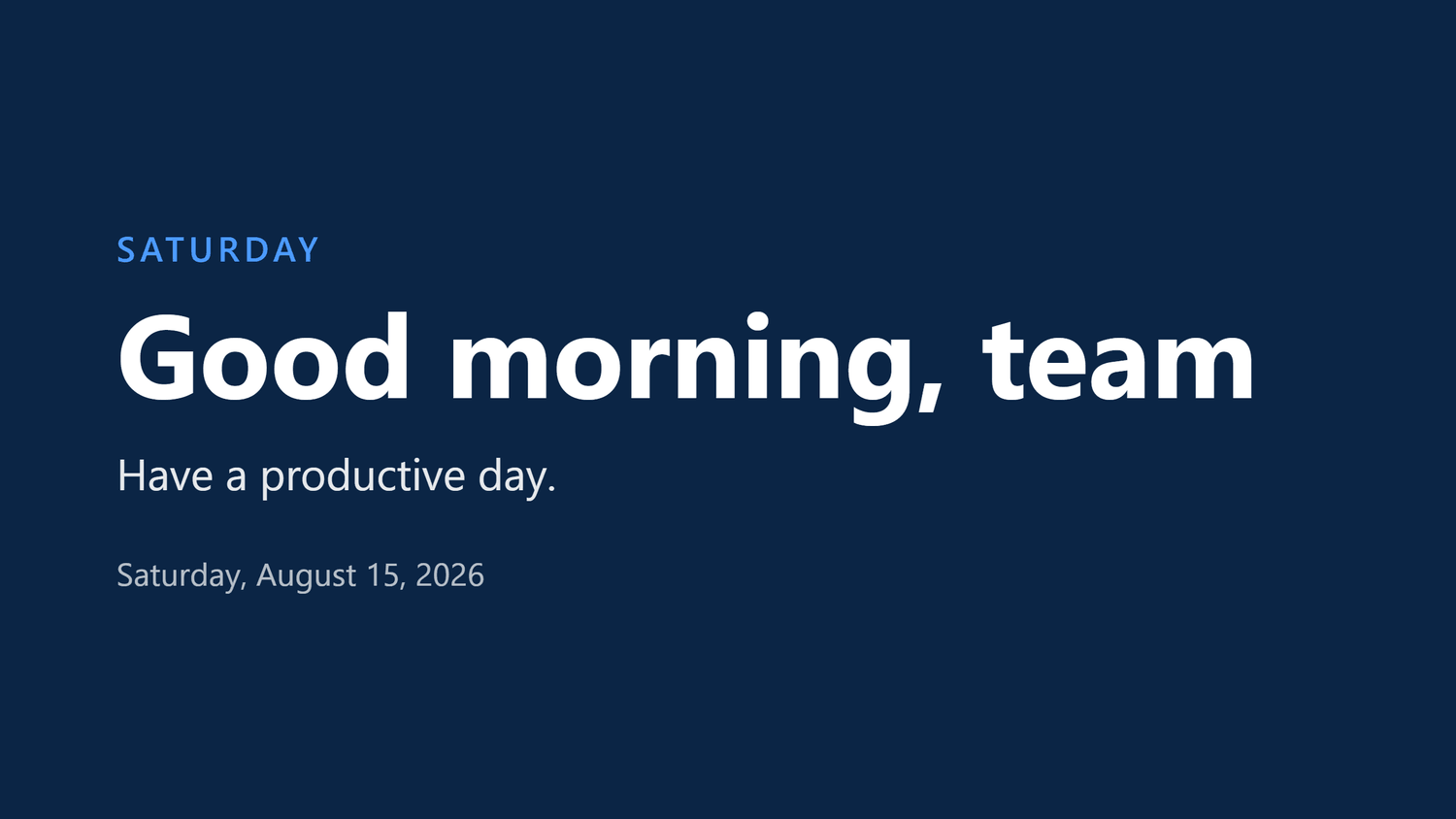
Content playing
A designed announcement from the loop, filling the screen.
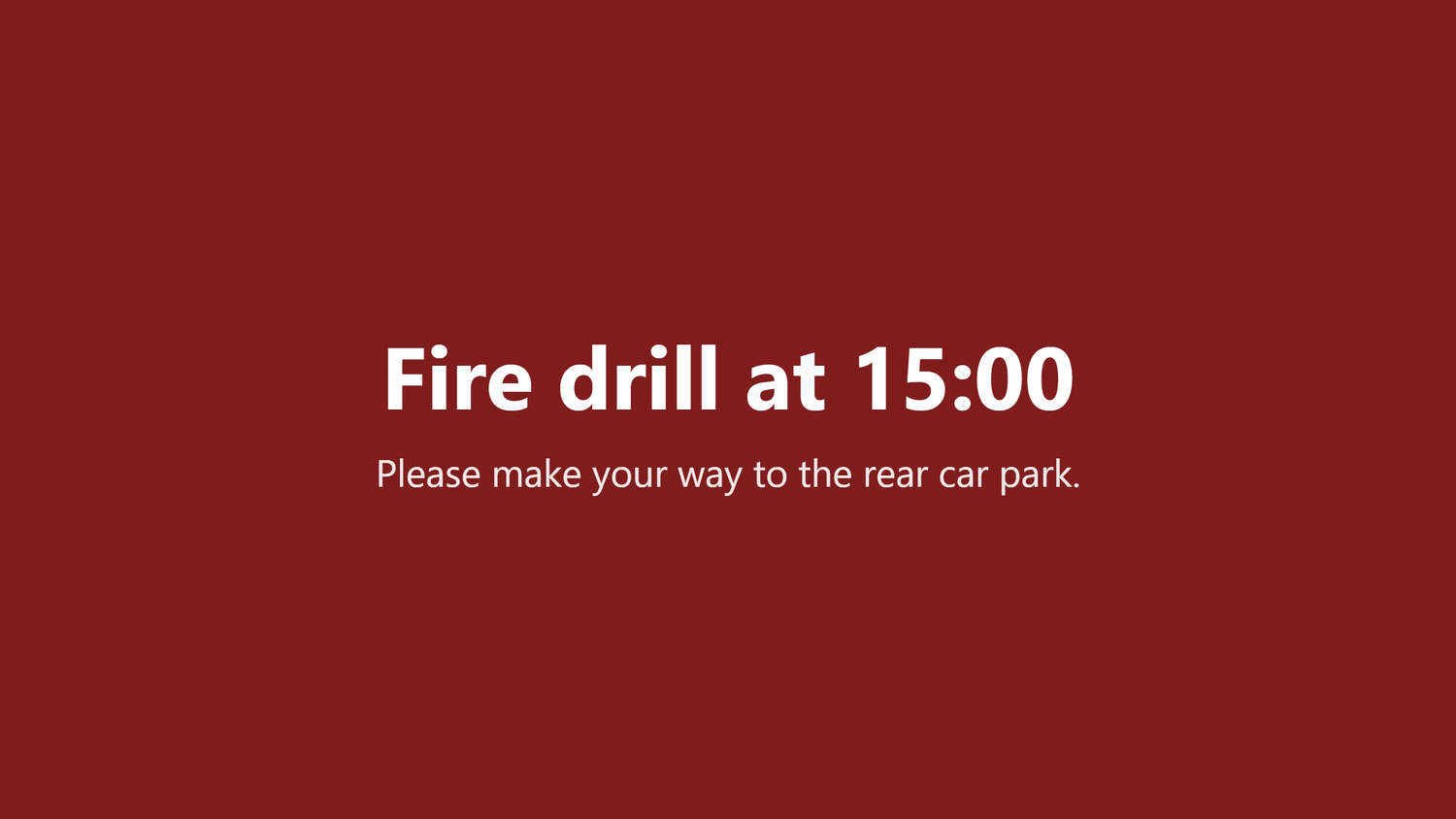
An emergency alert
Takes the whole screen, whatever was playing, until its time is up.
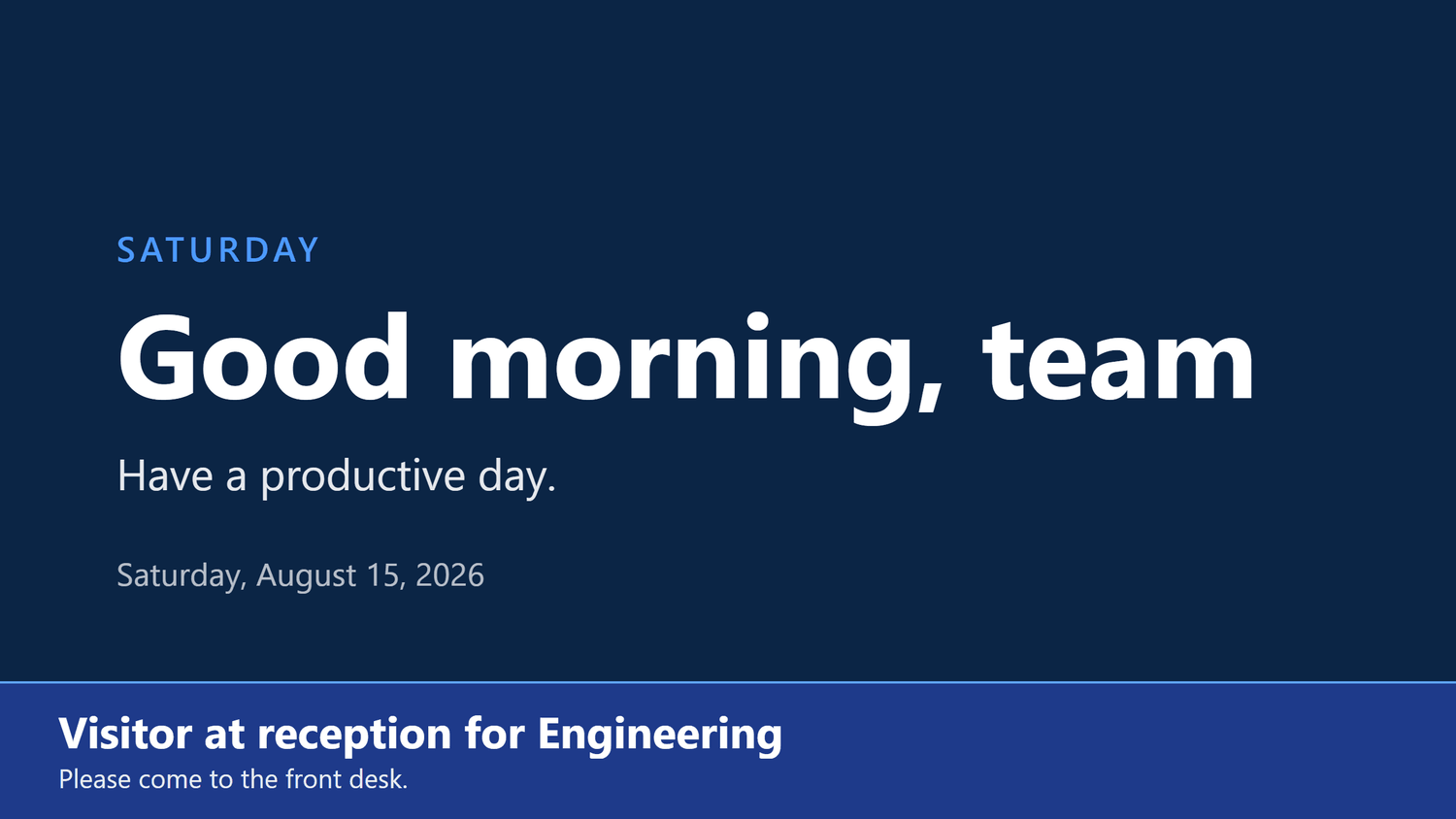
A banner over content
Lower priority interrupts less: the loop keeps running underneath.
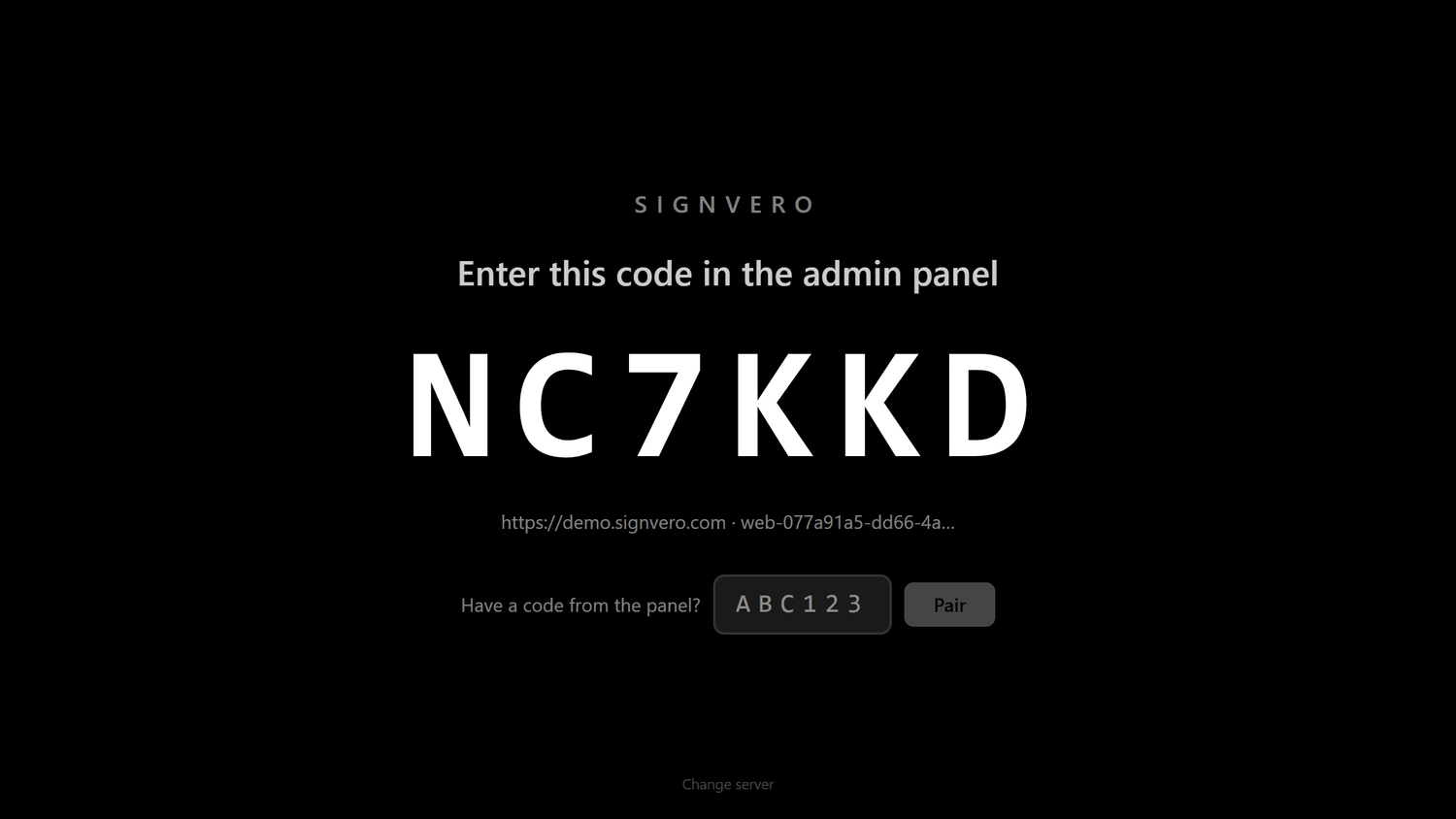
A screen waiting to be paired
Six characters, typed into the panel once. That is the whole setup.
Where it runs
Four ways onto a screen
Nothing here needs new hardware. Pick whichever suits each room, and mix them freely across one estate.
People
Welcome, Sarah
Joining today as Operations Lead
Canteen
Today’s menu
Servery open until 15:00
Company
Q3 results are in
Revenue up 18% on the quarter
People
Welcome, Sarah
Joining today as Operations Lead
Fire drill at 15:00
Please make your way to the rear car park.
Reception Main · Android TV
Android TV & boxes
The full experience
A single APK on any Android television, Fire TV stick, or set-top box. Everything the product can do, it can do here.
Samsung & LG
Nothing to install
Open a URL, make it the homepage. No app store, no side-loading, no box.
Web player & PWA
Any browser, any box
Mini PCs, Chromeboxes, a Raspberry Pi behind a screen, or a laptop you are evaluating on.
Phones & tablets
Alerts reach people, not only walls
The same Android app on a phone. It brings itself to the front when an announcement arrives, even from closed.
A television that is not smart at all takes an inexpensive Android box on its HDMI port and behaves like the first card.
Getting started
Two minutes per screen
No account to create, no licence key to type, nothing to configure on the device beyond a six-character code.
- 1
Install a player
One APK on an Android television, or a URL in any browser. Nothing to configure on the device itself.
- 2
Pair it from the panel
The screen shows a six-character code. Type it into the panel, name the screen, and it starts playing.
- 3
Build a playlist
Upload images and video, or use one of five announcement layouts. Set what each item shows for.
- 4
Schedule it, then forget it
Assign to a screen, a group or everything. The right content appears at the right hour on its own.
- 5
Interrupt when it matters
Compose an alert, choose its priority, send. Every screen carries it within seconds.
Who it is for
Anywhere people walk past a screen
The same system, pointed at a different problem.
Restaurants & cafés
Digital menu boards that change in seconds
Read moreRetail stores
Offers and pricing across every branch from one panel
Read moreHotels & guest houses
Lobby, lifts, conference boards and wayfinding
Read moreOffices
Reception, meeting rooms, company news, fire drills
Read moreFactories & warehouses
Safety notices and shift boards that survive the network
Read moreHospitals & clinics
Waiting rooms, wayfinding, and a channel that outranks everything
Read moreSchools & universities
Campus notices, timetables and lockdown messaging
Read moreGovernment & public sector
Separated, auditable, and answerable to a named person
Read moreAll 17 industries — each with its own page and a guide to take away.
Your content stays yours
Your organisation has its own space, separated from every other customer. We do not read it, mine it or sell it, and you can take a full copy away whenever you want.
Security & privacyBuilt to still work in ten years
Boring, long-lived technology on purpose: PHP, a relational database, a native Android app. Nothing here depends on a startup staying in business.
The technologyPriced by estate, not per screen
Bands, not meters. Inside a band the next screen is free, and a screen on the largest band costs two-thirds of one on the smallest.
PricingSee it running on your own screens
We will set up a live system with your own login, and walk you through anything you want to see.
No open demo, no sign-up wall, a person reads every request.